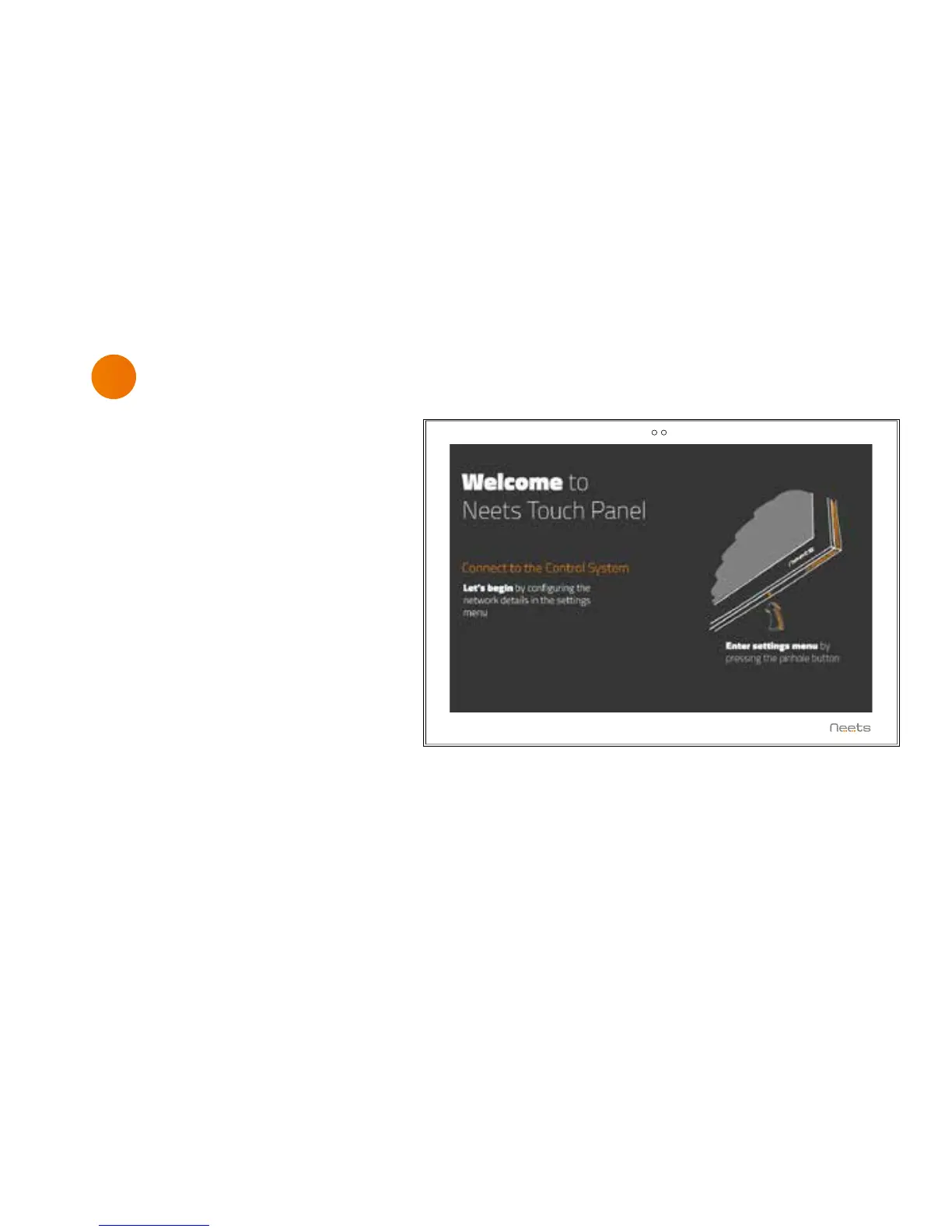
The Touch Panel will automatically
power on when power is applied.
Wait for the unit to start up and
follow the instructions.
For a complete configuration guide
please go to:
www.neets.dk/products/touch-
panels/
You will find the instructions for
firmware updates the same place.
7
First start up
16



 To Next Page