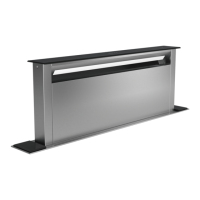
en Familiarising yourself with your appliance
6
5 Familiarising yourself with your appliance
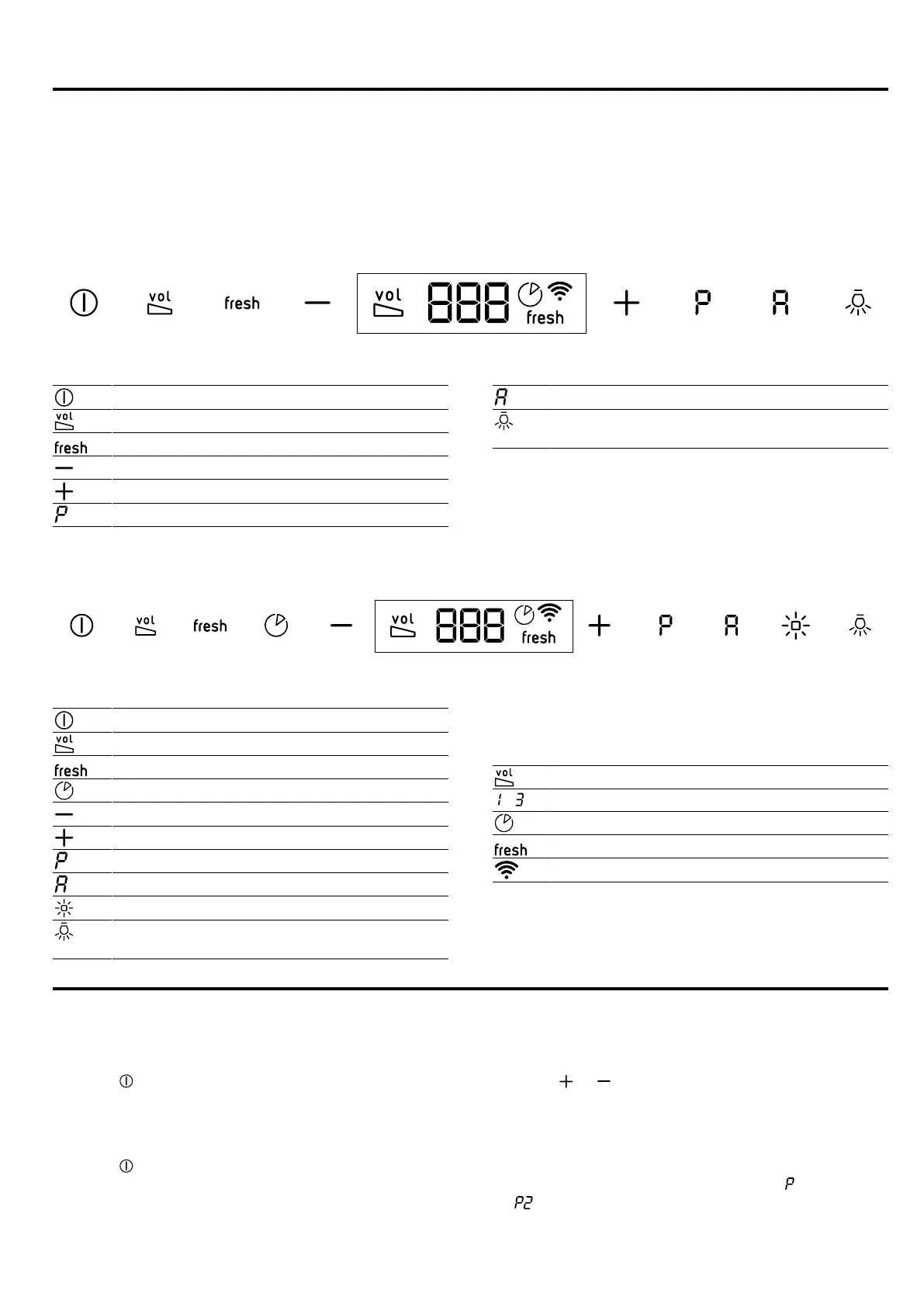
5.1 Controls, variant 1
You can use the control panel to configure all functions
of your appliance and to obtain information about the
operating status.
Switching the appliance on or off
Switching noise reduction on or off
Switching the AirFresh function on or off
Decreasing the fan setting
Increasing the fan setting
Switching intensive modes on or off
Switching automatic mode on or off
Switching the lighting on or off
Setting the brightness
5.2 Controls, variant 2
You can use the control panel to configure all functions
of your appliance and to obtain information about the
operating status.
Switching the appliance on or off
Switching noise reduction on or off
Switching the AirFresh function on or off
Switching the fan run-on on or off
Decreasing the fan setting
Increasing the fan setting
Switching intensive modes on or off
Switching automatic mode on or off
Switching Ambient Light on or off
Switching the lighting on or off
Setting the brightness
5.3 Display
You can see the current setting values in the display.
Noise reduction function
- Fan settings
Fan run-on
AirFresh function
Hob-based hood control
6 Basic operation
6.1 Switching on the appliance
▶
Press .
a The appliance starts at fan setting2.
6.2 Switching off the appliance
▶
Press .
6.3 Setting a fan setting
▶
Press or .
6.4 Switching on intensive mode
If particularly strong odours or vapours develop, you
can use intensive mode.
1.
To switch on intensive mode 2, press .
a appears on the display.


 To Next Page