2 3 4
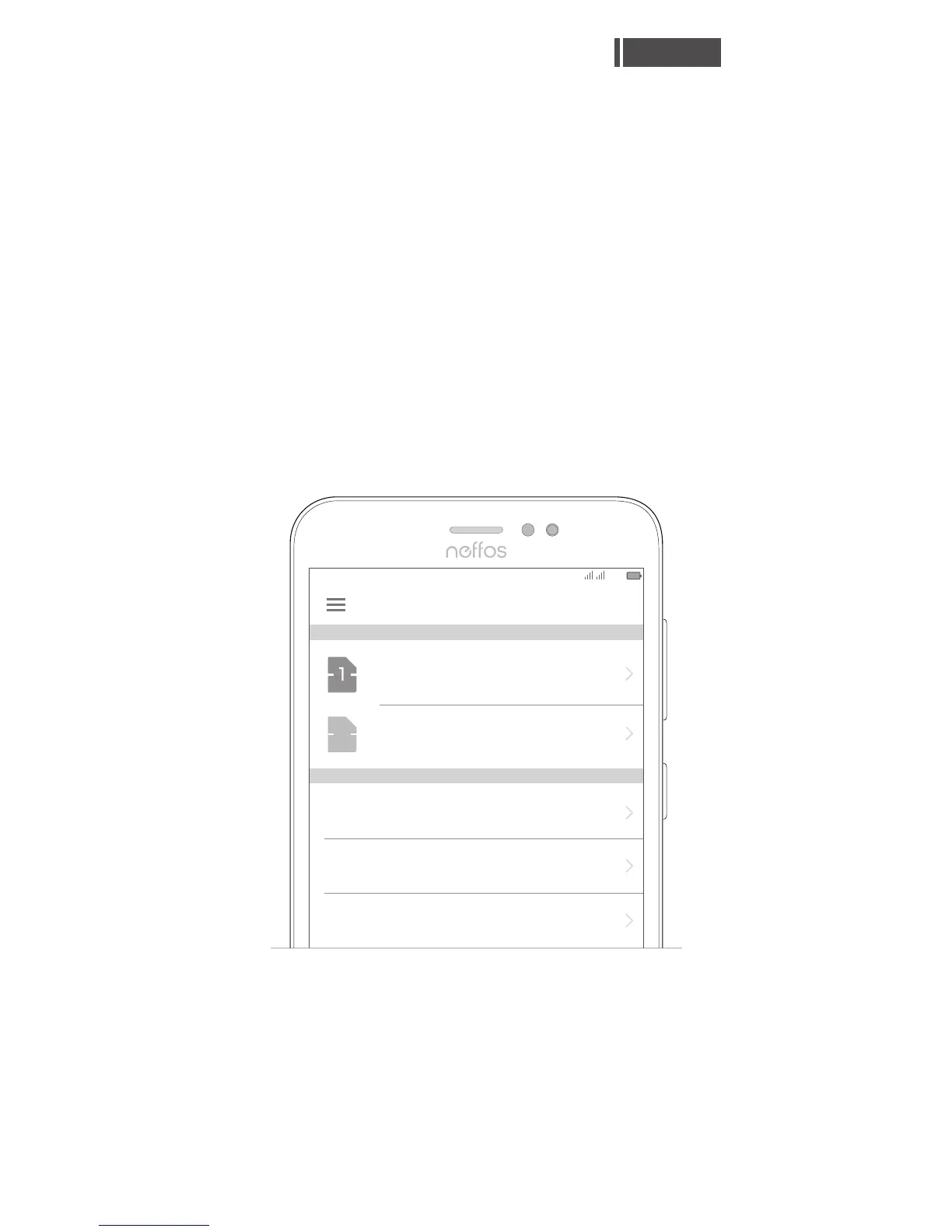
If there's only one SIM card in the phone, it's
ready to use.
With two SIM cards inserted, you can choose
to use one or both of them:
Go to Settings > Dual-SIM & network,
choose a SIM card and then tap the on/off
button to enable or disable SIM1 or SIM2.
Dual SIM settings
Your phone supports only dual card dual standby
single pass, which means you cannot use both
SIM cards for calls or data services simultaneously.
●
English
SIM 1 (Operator)
SMS messages
Cellular data
SIM 1 (Operator)
Calls
Ask every time
Dual-SIM & network
07:07
100%
SIM CARDS
DEFAULT SIM
Operator
SIM 1
4G/3G/2G
3G/2G
Operator
SIM 2
2



 To Next Page