3 4
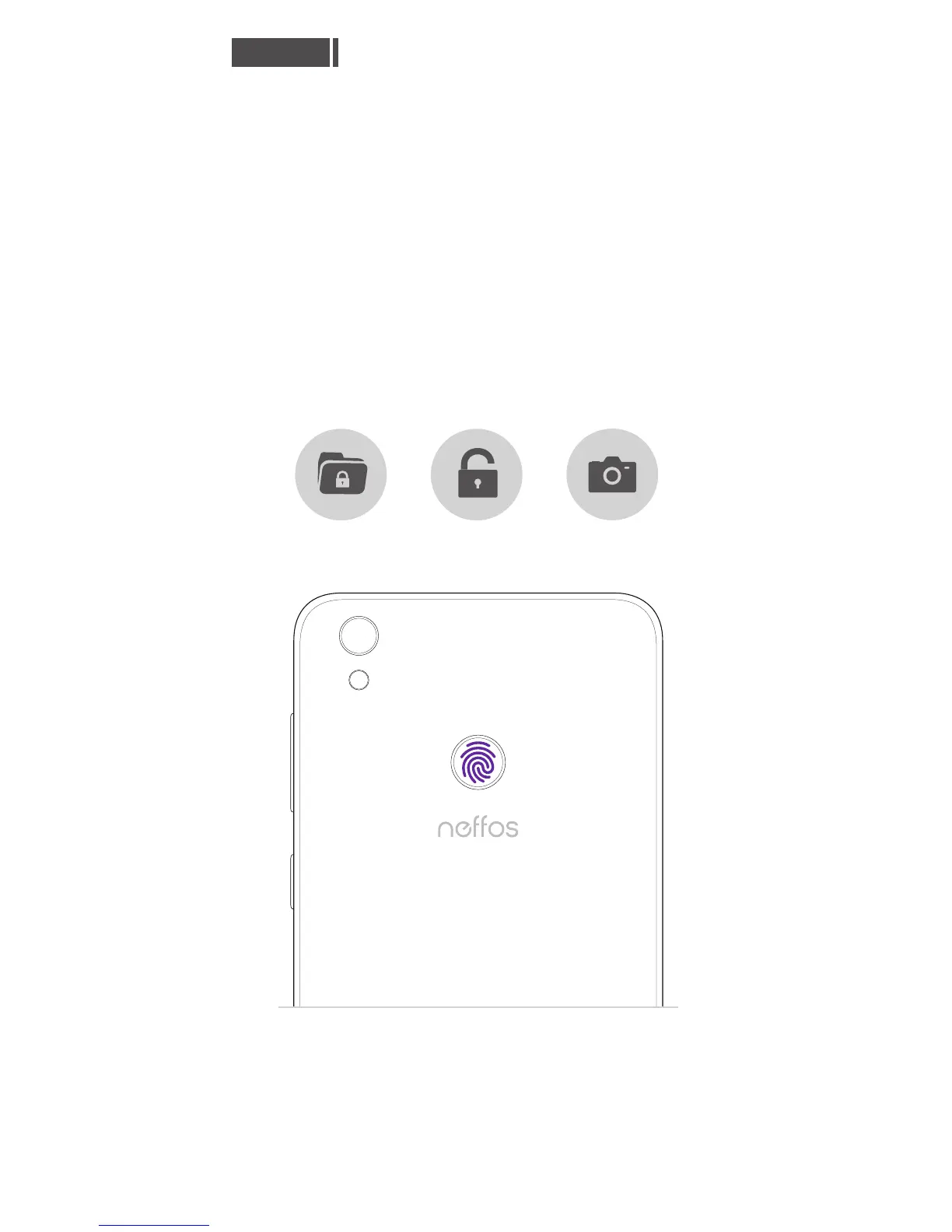
Go to Settings > Screen lock, fingerprint &
security > Fingerprint management and
follow the onscreen instructions to register
your fingerprint.
When recording your fingerprint, make sure
the fingerprint sensor and your fingers are
dry and clean.
Fingerprint identification
You will be asked to enter your backup pattern or
password when you restart your device or if
fingerprint recognition fails.
●
English
Unlock phone
Lock apps
Take pictures



 To Next Page