72Chapter 17 . Settings
2. Use the following gestures to control your phone:
•
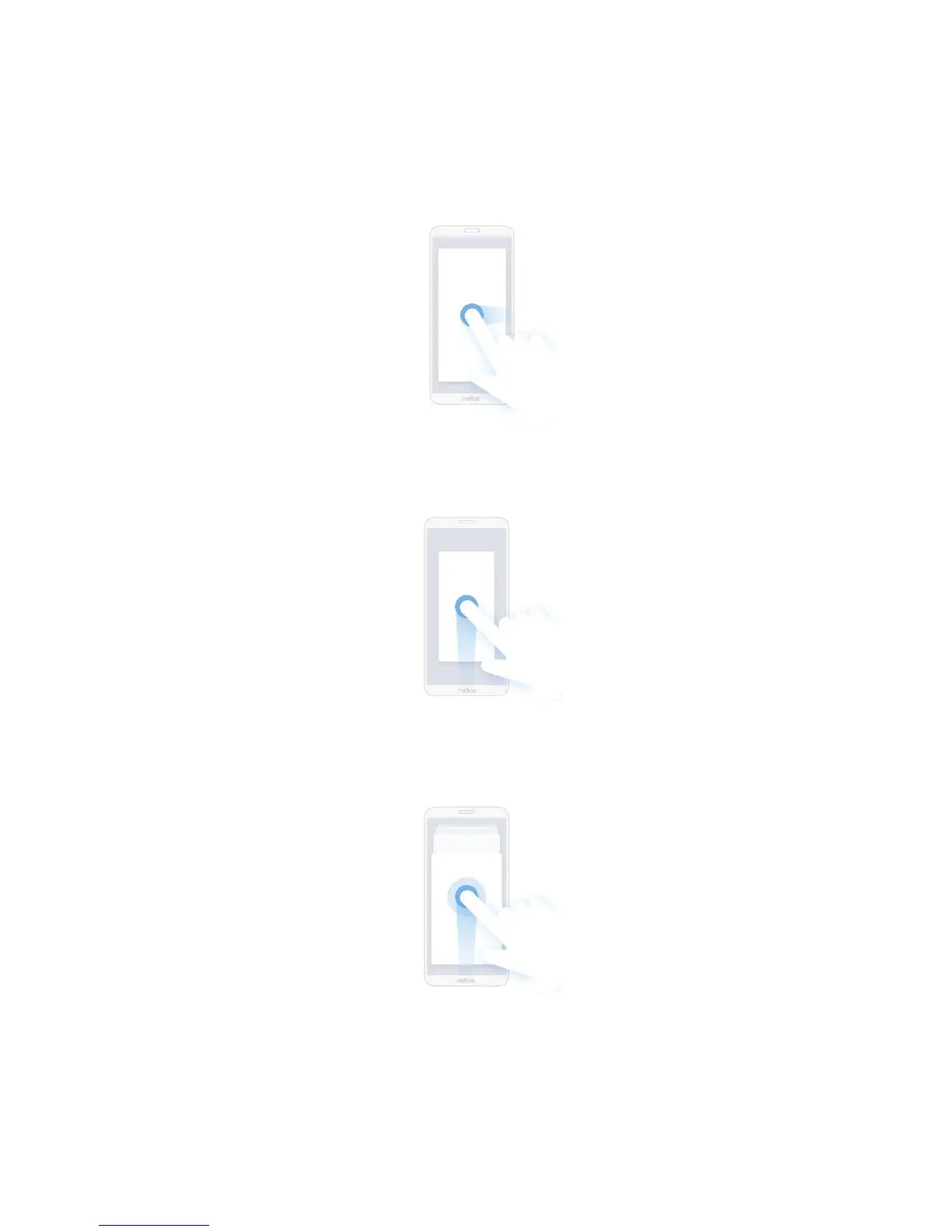
Back gesture: You can choose to slide left from the right edge of the screen only to go back to the
previous screen, slide right from the left edge of the screen only to go back to the previous screen, or
slide towards the center from the left or right edge of the screen to go back to the previous screen.
• Home gesture: Slide up from the bottom edge and release to go back to the Home screen.
• Recent gesture: Slide up from the bottom edge and hold to view multi-tasking.
• App define gesture: On the screen edge that triggers the back gesture, slide towards the center from
the upper half and release to set the app’s definition of the gesture. Different app’s definition of the
gesture may be different.



 To Next Page