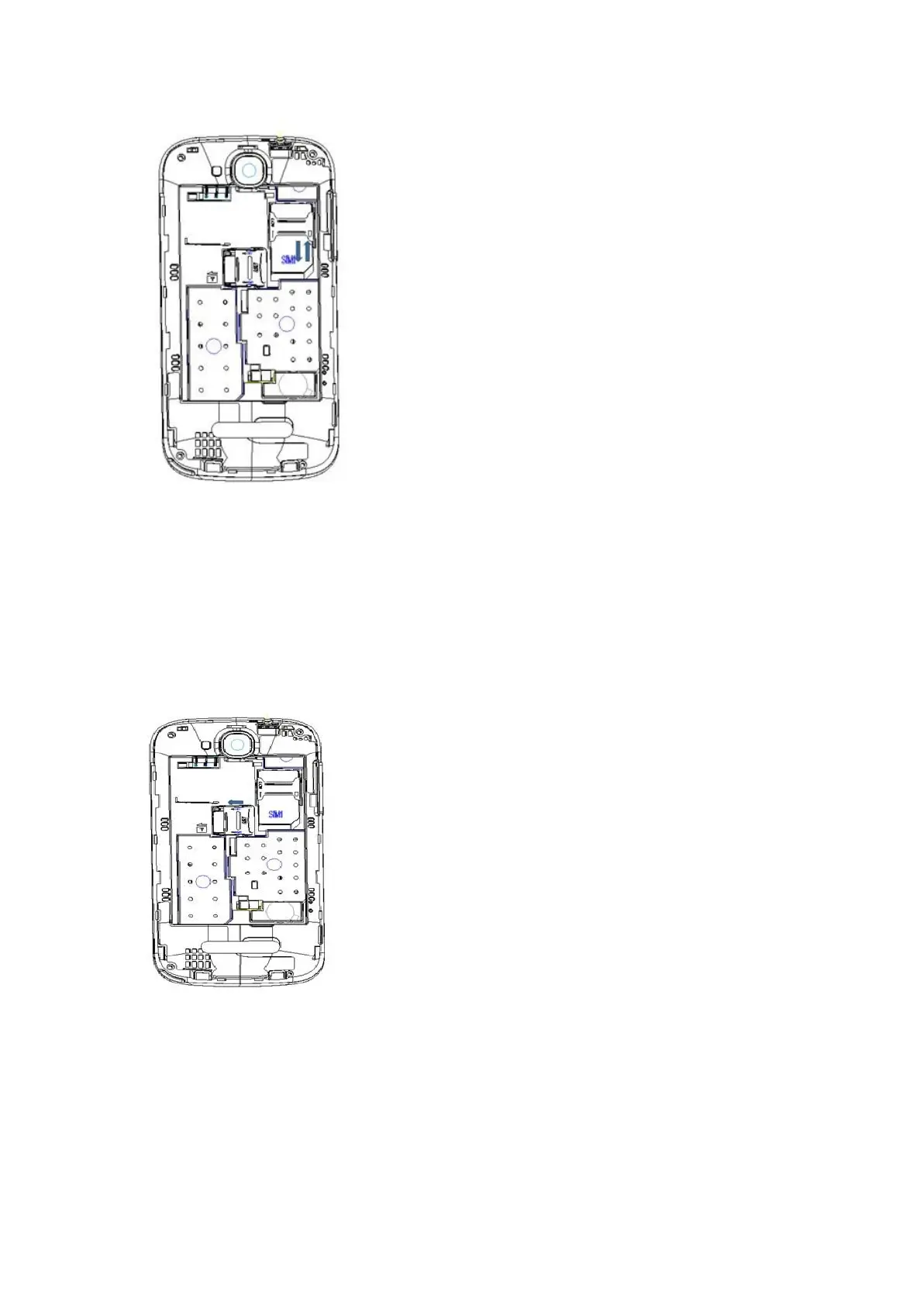
When you need to remove the SIM card, please first turn off the phone, remove the
battery, then remove the SIM card.
2.3.3 Insertion of the Memory Card
It is recommended to use external memory card in order to have better performance
of this Device
Turn off the phone; remove the battery and unplug other external power sources.
Insert the T-FLASH card to the T-FLASH trough.
When you need to remove T-Flash card, please first turn off the phone, remove the
battery, then remove the memory card.
2.3.4 Turning the Phone On or Off
To turn ON or OFF the phone, hold down the Power key for few second.
If you turn ON the phone without having inserted the SIM card, phone will display “No SIM
card”. After inserting the SIM card, the phone will automatically check if the SIM is
activated on the Network.After startup, according to the prompt, set boot wizard, press



 To Next Page