Page 7
6.2. Programming
6.2.1. Programming Display and Programming Menu
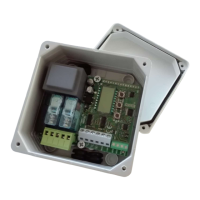
A display is installed on the electronic board with a programming menu for all the station
functions.
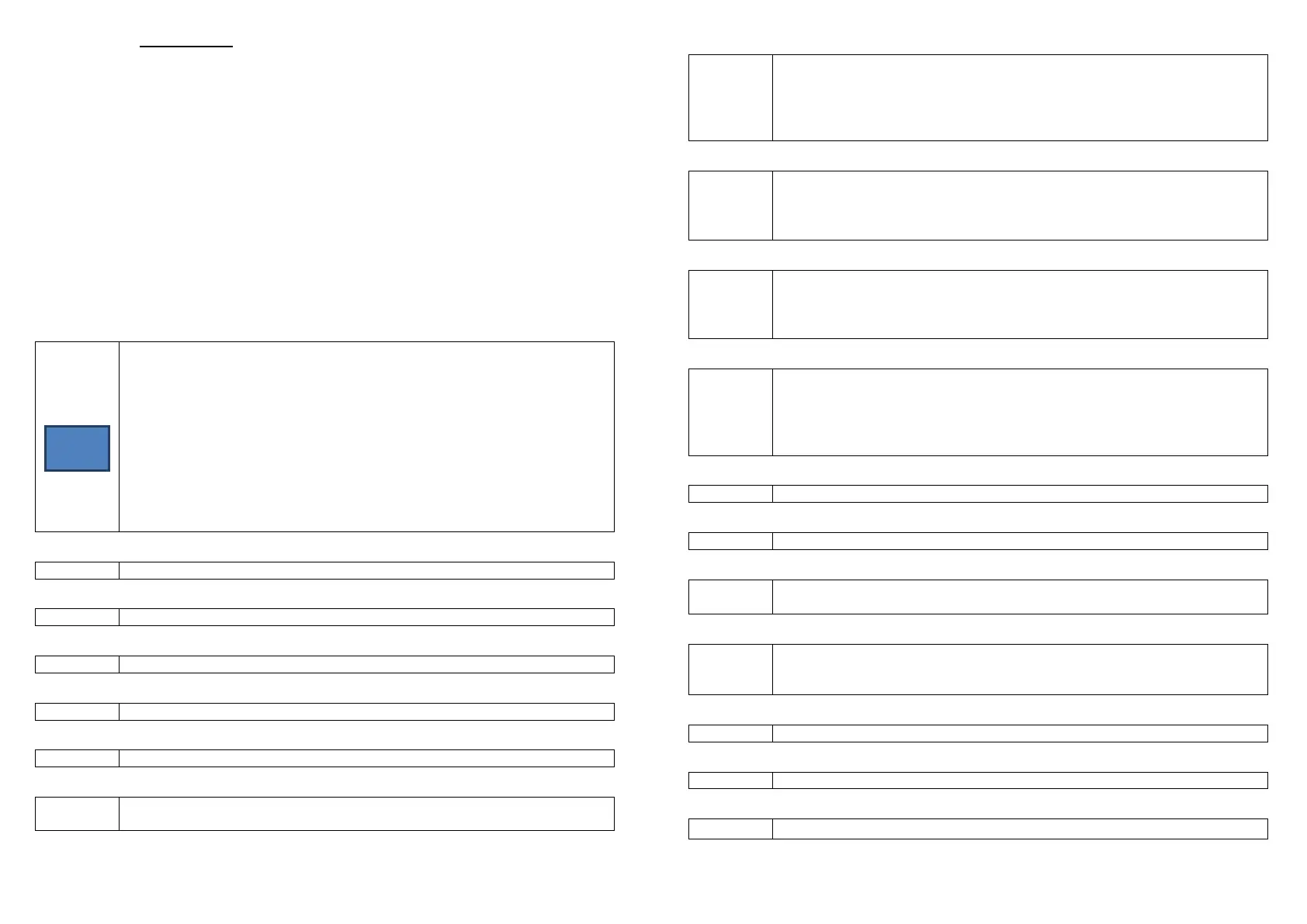
All the settings of the PXXX functional parameters must be made through the keys and
display of the station, changing the preset values F [factory-set].
The OK key is used to enter the programming menu and confirm the setting of each
individual parameter.
The + (plus) key is used to scroll up through the programming menu or increase the
value of the parameter within the menu.
The – (minus) key is used to scroll down through the programming menu or decrease
the value of the parameter within the menu.
The + (plus) and – (minus) keys pressed together are used to exit the programming
menu.
(display)
The initial menu is free of any writing when no input is active; otherwise
it shows the activated function with the following messages:
in1
in2
pk01 - channel 01 of the PIK radio remote control
u Km - wind speed
r - rain state
t °C - temperature
Pressing + (plus) and – (minus) together displays the total number of
channels of the PIK radio remote control saved in the memory.
-↑ ↓+
Wind sensor activation threshold (5 ÷ 50) Km/h F[30]
-↑ ↓+
Temperature sensor minimum threshold (5 ÷ 43) Km/h F[5]
-↑ ↓+
P003
Temperature sensor maximum threshold (7 ÷ 45) °C F[30]
-↑ ↓+
P004
Brightness sensor activation threshold (1 ÷ 50) Klux F[5]
-↑ ↓+
Rain sensor exclusion time (0 ÷ 10) min F[0]
-↑ ↓+
P006
Sensor priority (1 ÷ 4) F[1]. Priority can be selected for only one sensor,
where 1=rain, 2=wind, 3=temperature, 4=sun
Page 8
-↑ ↓+
P007
Temperature sensor function (0 ÷3) F[0]. Set the action when:
0 – not active,
1 – open if t° > P003 and close if t° < P002,
2 – open if t° > P003,
3 – close if t° < P002.
-↑ ↓+
P008
Brightness sensor function (0 ÷ 2) F[0]. Set the action when:
0 – not active,
1 – open if lux > P004,
2 – close if lux > P004.
-↑ ↓+
P009
input function (1 ÷ 3) F[1]. Set the action when:
1 – open in self-hold and deadman mode (n.o.),
2 – step system (n.o.),
3 – block automatic movements (n.c.).
-↑ ↓+
P010
IN2 input function (1 ÷ 4) F[1]. Set the action when:
1 – close in self-hold and deadman mode (n.o.),
2 – photocell (n.c.),
3 – timer open (n.o.),
4 – timer close ( n.o.)
-↑ ↓+
P101
Motor work time (10 ÷ 120) s F[60]
-↑ ↓+
P102
Motor reset time (0 ÷ 240) s F[0]
-↑ ↓+
P103
Wind sensor function (0 ÷ 2) F[0]. Set the action when active as follows:
0 – none, 1 – open, 2 – close
-↑ ↓+
P104
Rain sensor function (1 ÷2) F[2]. Set the action when the input is active, as
follows:
0 – none, 1 – open, 2 – close.
-↑ ↓+
Add
Adds PIK radio remote control channel in the memory
-↑ ↓+
dEL
Deletes PIK radio remote control channel from the memory
-↑ ↓+
rESE Restores the Default values (press twice and the message “end” appears).


 To Next Page
 Loading...