22
Chapter 3 How to use Utility programs
Using the NEMESIS GEFORCE2 MX200/MX400’s utilities
This is a utility program that sets display properties and 3D functions provided by the NEMESIS
GeForce2 MX 200/MX 400.
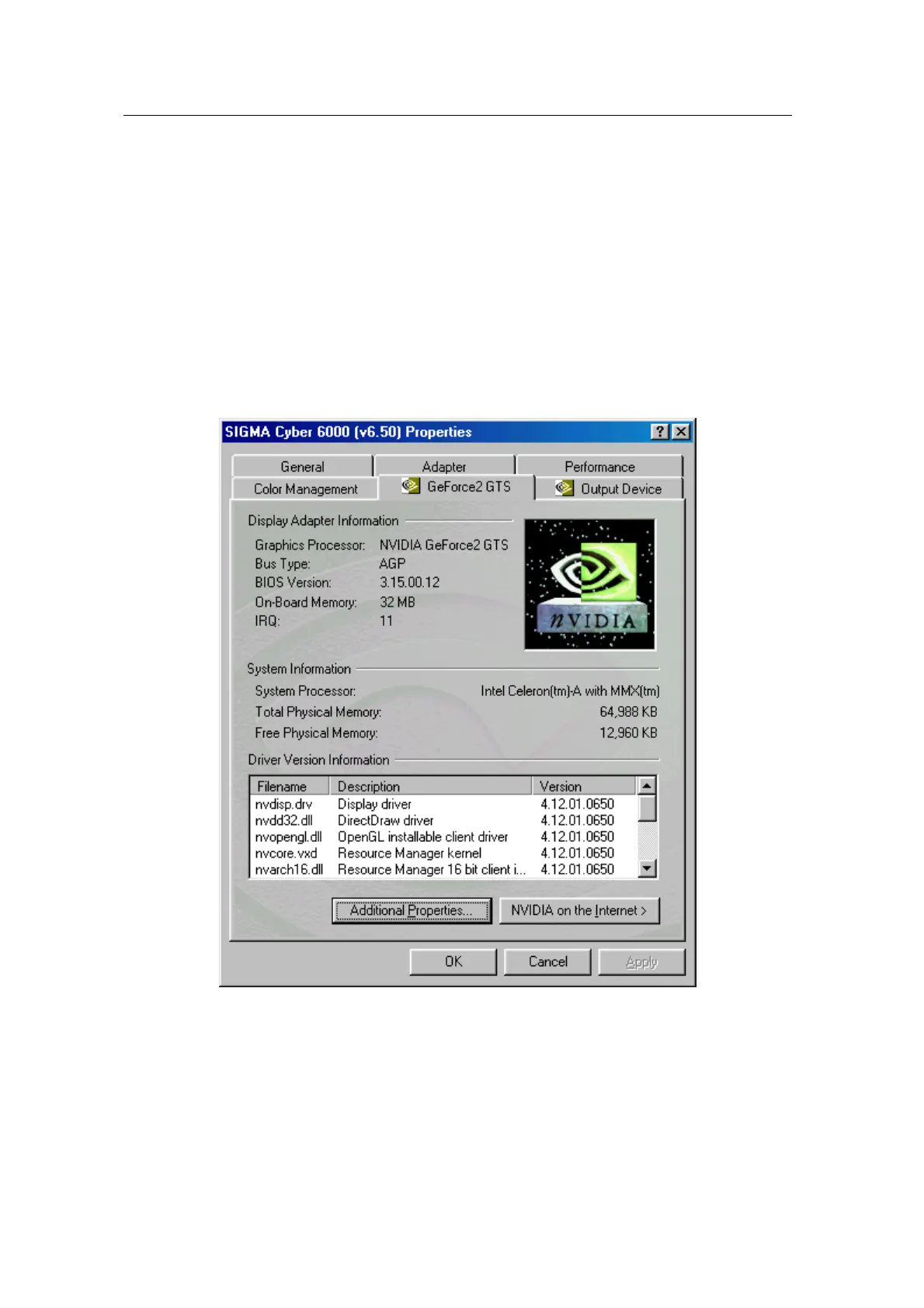
When selecting “GeForce 2 MX” tab right after clicking “Advanced” in “Settings” of the “Display
properties”, the following dialog box that shows hardware information, driver version and
memory size appears. And more functions such as Gamma correction, 3D features, OpenGL
and DirectX are provided when clicking “Additional properties” in the below part of the dialog box.



 To Next Page