Need help?
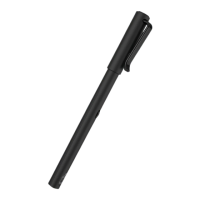
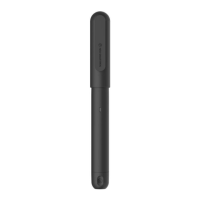
Do you have a question about the NEO Smartpen M1 and is the answer not in the manual?
Instructions for charging the Neo smartpen before use, LED indicator status, and battery management.
Details on turning the pen on/off, auto power function, and resetting the pen to factory settings.
Guidance on the correct way to hold the pen for optimal recognition, including angles and sensor visibility.
Explanation of the LED color indicators for various pen statuses like power, charging, and connection.
Steps to enable Bluetooth, run Neo Notes app, and register the smartpen for use.
Manage current notebooks, access locked notebooks, and find notes by date.
Tag notes, search tagged pages, and search transcribed text.
Configure pen/app settings, access support, and view news/tips.
Sync pen data to app and update pen firmware.
Record audio, replay notes, edit written content, and share in various formats.
Adjust pen colors and thickness settings within the connected app.
Explore available notebooks and purchase options online.
 General
| Type | Digital pen |
|---|---|
| Brand | NEO |
| Model | M1 |
| Connectivity | Bluetooth |
| Bluetooth Version | 4.0 |
| Compatibility | iOS, Android |
| Color | Black |
| Pen Tip | 0.7 mm |
| Ink Color | Black |
| Supported Apps | NEO Notes |
| Charging Time | 1.5 hours |
| Refill Type | Standard refill |

 To Next Page