11 smart splitter user manual
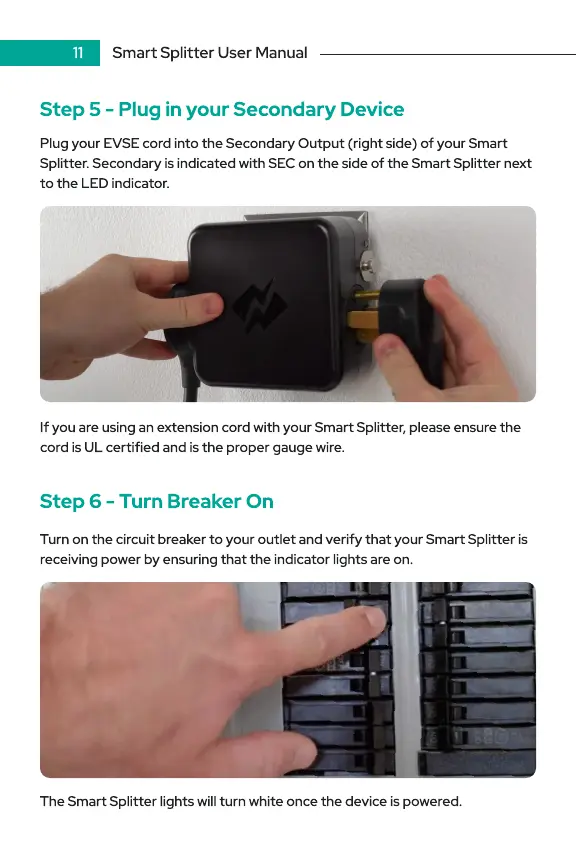
Step 5 - Plug in your Secondary Device
Plug your EVSE cord into the Secondary Output (right side) of your Smart
Splitter. Secondary is indicated with SEC on the side of the Smart Splitter next
to the LED indicator.
If you are using an extension cord with your Smart Splitter, please ensure the
cord is UL certified and is the proper gauge wire.
Step 6 - Turn Breaker On
Turn on the circuit breaker to your outlet and verify that your Smart Splitter is
receiving power by ensuring that the indicator lights are on.
The Smart Splitter lights will turn white once the device is powered.


 To Next Page