
 Need help?
Do you have a question about the Neol ePowerSwitch 4 IEC R2 and is the answer not in the manual?
Essential safety precautions for installation, operation, and handling of the ePowerSwitch.
Method for configuring network parameters using the Finder program on Windows.
Procedure for configuring network settings via an RS232 serial connection.
Steps to configure network parameters using a standard web browser.
Defining actions based on time tables for automated control and scheduling using Schedule/Timer rules.
Controlling power outlets and monitoring device status via browser and serial connection.
 General
| Product Type | Power distribution unit |
|---|---|
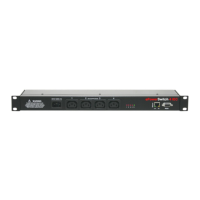
| Model | ePowerSwitch 4 IEC R2 |
| Number of Outlets | 4 |
| Output Connector Type | IEC C13 |
| Input Connector Type | IEC C14 |
| Input Frequency | 50/60 Hz |
| Maximum Current | 10A |
| Remote Management | Yes |
| Form Factor | Rack-mountable |
| Weight | 2.5 kg |
| Operating Temperature | 0°C to 50°C |
| Material | Metal |
| Color | Black |
| Compliance | CE, RoHS |
| Input Voltage | 100-240V AC |
| Voltage Rating | 230V AC |
| Control Interface | Web, SNMP |
| Network Interface | Ethernet 10/100 Mbps |
| Protocols | HTTP, HTTPS, SNMP |
| Relative Humidity | 5% to 95% (non-condensing) |

 To Next Page