
 Need help?
Do you have a question about the Neoline X-COP 9300s and is the answer not in the manual?
Details mounting the device using a 3M scotch tape windshield mount.
Explains connecting the power cord via cigarette lighter socket or fuse box.
Controls volume and menu navigation. Long press toggles radar module.
Guides on entering menus, selecting options, and switching detection modes.
Covers Hot Key assignments, Z-signature filter toggle, and device power on/off.
Explains icons for volume, brightness, recording, and detection mode.
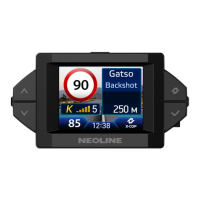
Details information displayed when a police radar is detected, including speed and distance.
Configure Z-signature filter and select K band frequencies for optimal radar detection.
Adjust display brightness, screensaver, resolution, video quality, and sensitivity.
Configure auto mute, GPS mute, voice/sound notifications, and priority settings.
Set auto turbo, zone radii, overspeed tolerance, and announcement distance based on speed.
Step-by-step guide to update the device firmware and GPS database.
Lists detailed technical specifications for DVR and radar detector components.
 General
| Brand | Neoline |
|---|---|
| Model | X-COP 9300s |
| Category | Security Sensors |
| Language | English |

 To Next Page