9. User’s calibration
5
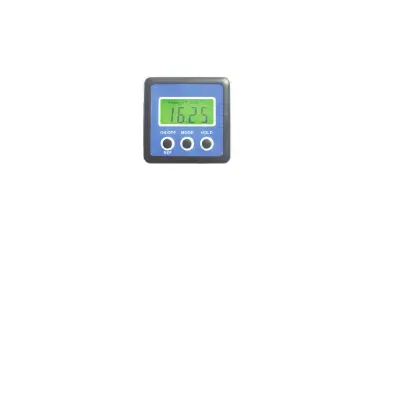
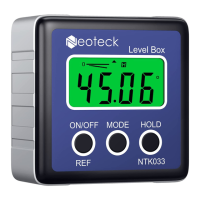
a. Turn off the equipment. Put the equipment on a flat and
smooth solid surface. (see the following figure).
b. In the shutdown status, press and hold HOLD button
first, then press ON/OFF button, until the LCD display
reads “CAL”.
c. Keep the equipment still for a period of time and then
press the HOLD button, display reads “CAL1”.
d. In the same location, rotate the equipment 180°
(see the following figure), then press the HOLD button,
display reads “CAL2”. After the “CAL2” disappears, the
calibration is completed and then the LCD will show the
current angle in high-accuracy-display.



 To Next Page