NOTE:
6
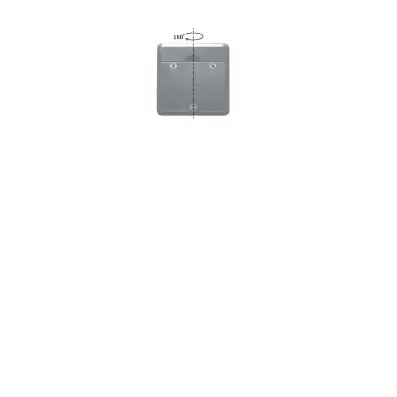
● The calibration must be performed on a flat and smooth
surface with the tilt no more than 5°. If it exceeds 5°,
display reads “Err”, that indicates the user can’t proceed
to do the calibration.
● During calibrating, the level also can not be beveled or
moved.
● After completed calibration, the equipment
automatically replaces from original factory data to
consumer’s data, so it must be careful to use this
function.



 To Next Page