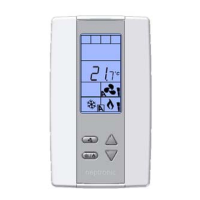
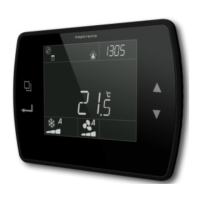
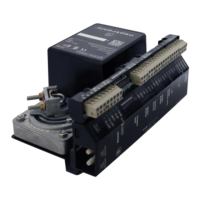
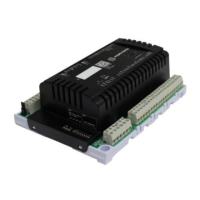
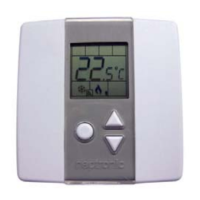
TRO5404
Specification & Installation instructions
4
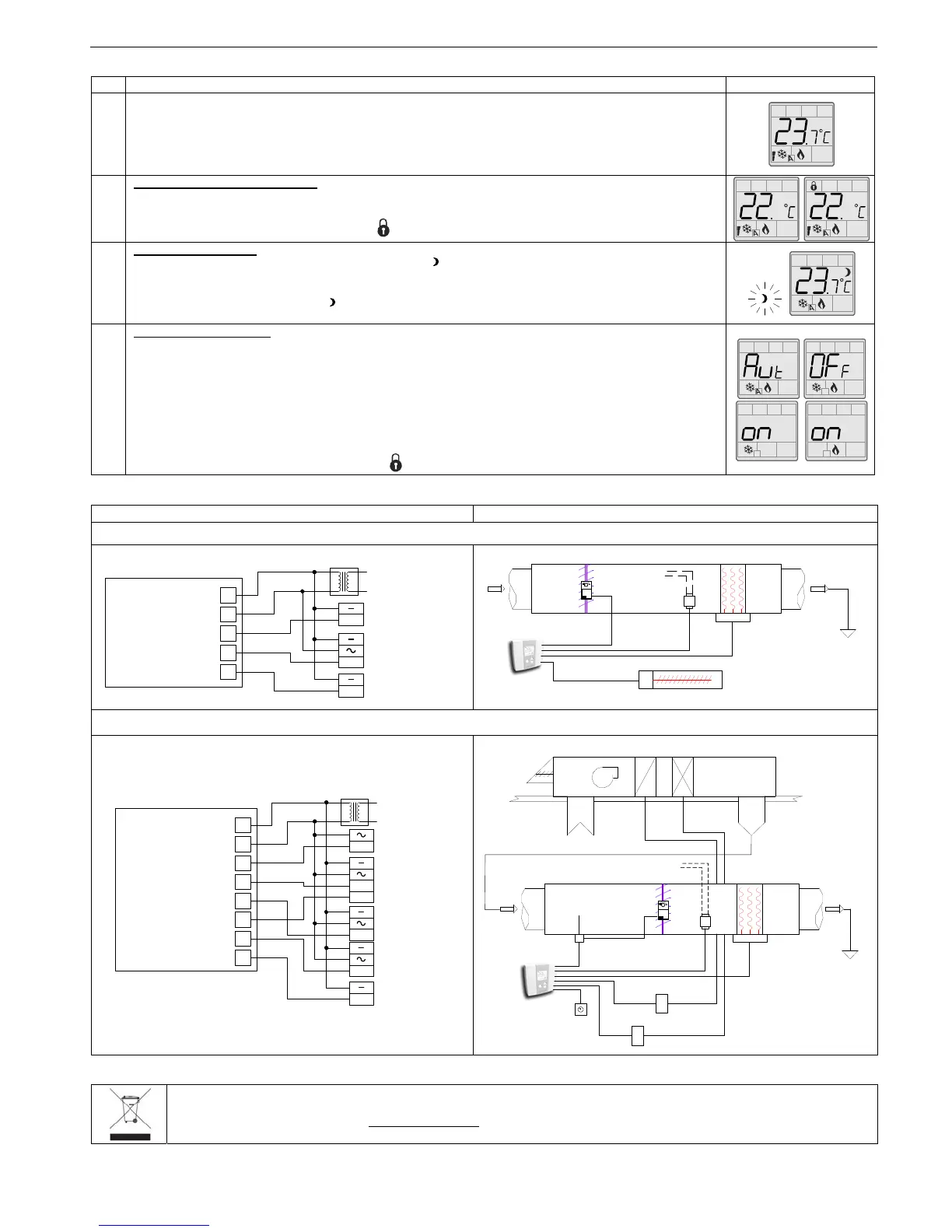
Operation mode
Step Description Display
1
At powering up, thermostat will light display and activate all LCD segments during 2 seconds.
Illuminating the LCD.
To illuminate the LCD, you just have to push onto any of the 3 buttons. LCD will light for 8 seconds.
Temperature display
In operation mode, thermostat will automatically display temperature read.
To change the scale between ºC and ºF, press on both
and for 3 seconds.
2
Set point display and adjustment
To display the set point, press twice on the or button. Set point is displayed for 5 seconds.
To adjust set point, press on
or while the temperature set point is displayed.
Note: If set point adjustment has been locked, symbol will be displayed.
3
Night set back (NSB) :
When thermostat is in night set back mode, NSB symbol is displayed, so set point for cooling and/or heating
are increased as per the setting made in programming mode.
If not locked, night set back can be derogated for a predetermined period by pressing onto any of the 3 buttons.
During period of NSB derogation the symbol will flash. If NSB does not flash, the derogation period is finished
or the Night set back derogation has been locked in programming mode.
4
Control mode selection :
To verify which control mode is set, press once onto the
button. Control mode will be displayed during 5
seconds.
To change of control mode, press on
or while control mode is displayed. You can choose one of the
following:
Automatic Cooling or Heating
Cooling and Heating OFF
Cooling only
Heating only
Note: If control mode selection has been locked, symbol will be displayed.
Typical Applications
Wiring Schematic
Central Cooling and Heating terminal (0-10 VDC modulating electric heater and pulsed baseboard)
Central Cooling and Heating and heating terminal with Night set back (pulsed electric heater)
Recycling at end of life
At end of life, please return the thermostat to your Neptronic® local distributor for recycling. If you need to find the nearest Neptronic®
authorized distributor, please consult
www.neptronic.com.
Pulse
0 to 10
vdc
0 to 10
vdc
Actuator
Xfo
Duct heater
Baseboard with
TRIAC relay
Line voltage
Terminals
TRO5404
1
2
6
7
9
Common
24 VAC
0-10 VDC Heating
0-10 VDC Cooling
TPM
TRO5404
Actuator
Xfo
Supply
Duct
heater
Baseboard with
TRIAC relay
Line voltage
Pulse
Change over
(COT100)
Xfo
Duct heater
Line voltage
Terminals
TRO5404
1
2
4
5
6
Common
24 VAC
NSB
0-10 VDC Heating
0-10 VDC Heat. H.D.
0-10 VDC Cooling
0-10 VDC Cool. H.D.
TPM
7
8
9
0 to 10
vdc
0 to 10
vdc
0 to 10
vdc
0 to 10
vdc
Voltage relay
(VRC)
Voltage relay
(VRC)
Time clock
Y
G
W
TRO5404
Actuator
Xfo
Supply
Duct
heater
Line voltage
SupplyReturn
Fresh air
A/C UNIT
Change over
(COT100)
Voltage relay
(VRC)
Voltage relay
(VRC)
Time
clock


 To Previous Page
 Loading...