Need help?
Do you have a question about the Neptronic TRO5404 and is the answer not in the manual?
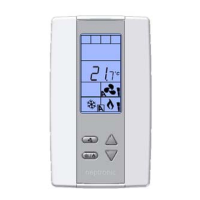
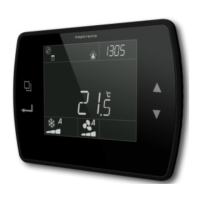
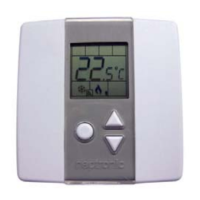
Overview of icons and indicators shown on the thermostat display.
Configuration option to lock access to menu settings and prevent unauthorized changes.
Access to advanced settings for customizing thermostat behavior and schedules.
Defines the adjustable range for temperature set points.
Choosing between operation and programming modes via jumper JP1.
Adjusting the internal sensor reading for accuracy against a reference thermometer.
Enabling or disabling user adjustment of the temperature set point.
Restricting user access to change the operating control mode (e.g., Auto, Off, Heat, Cool).
Setting the proportional band width for control accuracy and stability.
Defining the minimum output level for the first cooling ramp stage.
Defining the minimum output level for the first heating ramp stage.
Choosing between the internal sensor or an external temperature sensor.
Adjusting the external sensor reading for accuracy against a reference thermometer.
Setting the duration for which Night Set Back mode can be temporarily overridden.
Defining the cooling temperature set point when Night Set Back is active.
Defining the heating temperature set point when Night Set Back is active.
Information on how the thermostat displays temperature and scale selection.
How to view and modify the desired temperature set point.
Functionality and override options for the Night Set Back energy saving feature.
Options for selecting automatic/manual heating and cooling control modes.
Wiring diagram for central cooling and heating with electric heater/baseboard.
Wiring diagram for cooling/heating with NSB and pulsed electric heater.
 General
| Brand | Neptronic |
|---|---|
| Model | TRO5404 |
| Category | Thermostat |
| Language | English |

 To Next Page