Main Unit Battery
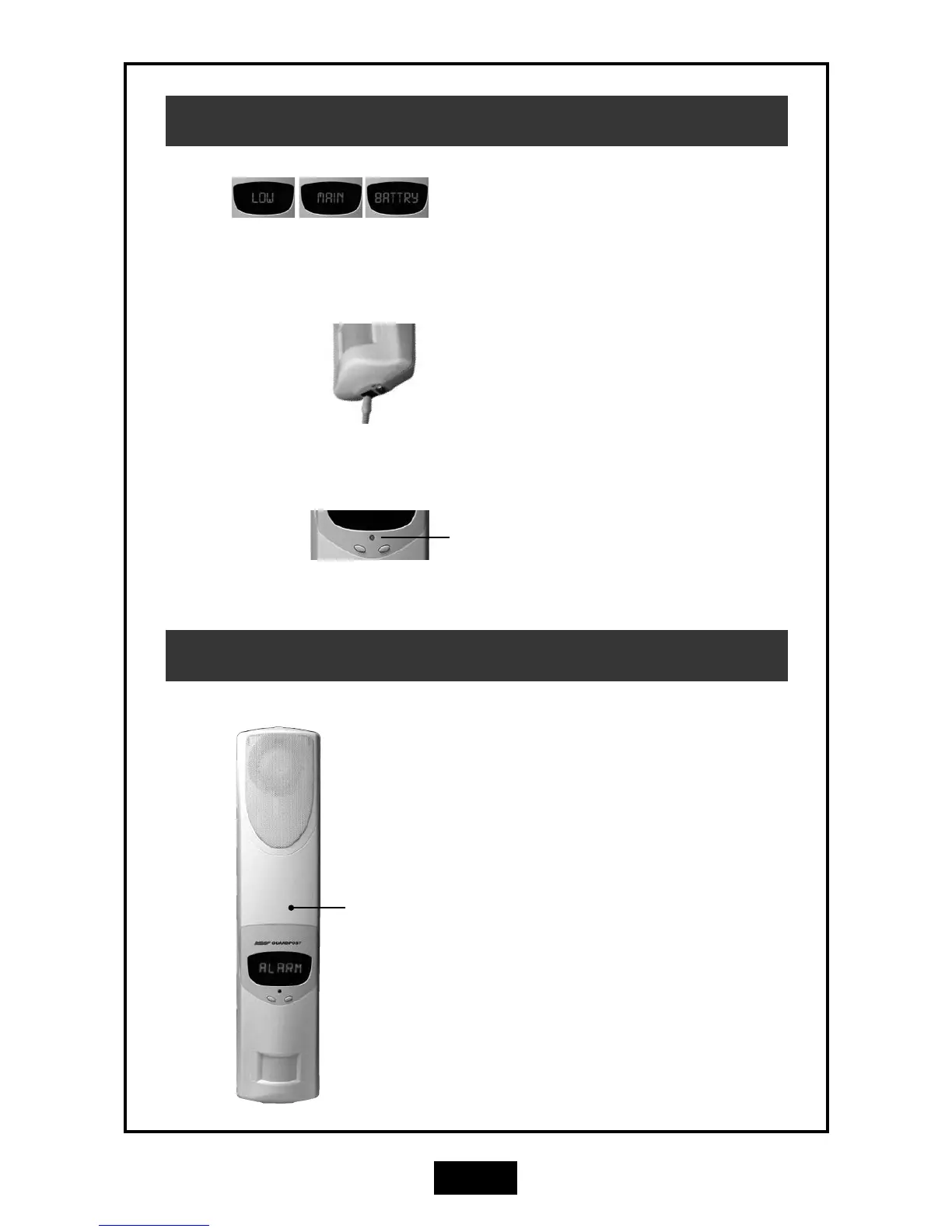
Connect the charger for 24 hours.
The red Indicator LED will be on while charging.
LOW MAIN BATTERY
(Battery Powered Systems)
If your Guardpost does not run off mains power,
the main battery will provide 3-4 month's Operation
before it must be recharged.
When the "Low Main Battry" message is displayed
you must charge the main battery.
Plug the charger into a 110V mains outlet and plug
the charging connector into the Guardpost for 24
hours.
GSM Cellular Communicator
GSM Communicator
(Internal).
The Guardpost has an onboard GSM communicator
which communicates with your central monitoring
station using the GSM Cellular Telephone Network.
The communicator is setup and programmed by
your installer at the time of installation. It does not
need any maintenance but should be tested when
you perform your regular system test.
The communicator needs an active GSM SIM card
to operate.
LOW MAIN BATTERY
(Mains Powered Systems)
If your Guardpost has a permanent connection to
mains power, the low battery condition may indi-
cate that your Guardpost needs servicing. Contact
your Guardpost installer.



 To Next Page