6
SETUP AND INSTALLATION
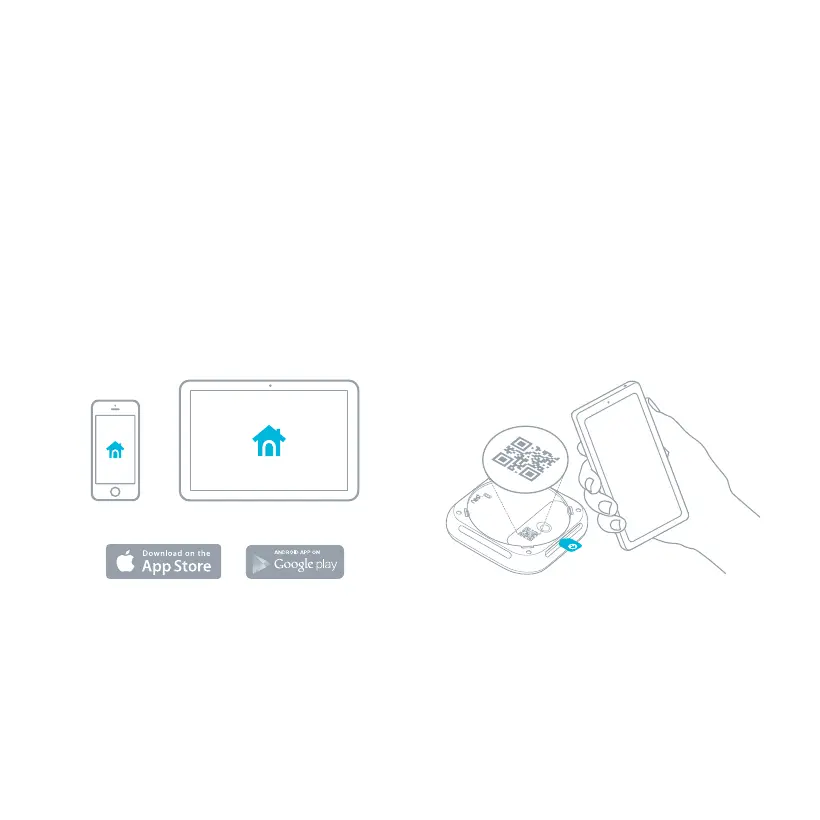
1. Get the Nest app
Before you install your Nest Protect on the
ceiling or wall, you’ll need to set it up with
the Nest app. Download the app from the
Apple App Store
™
or Google Play
™
and create
a free Nest Account. You can use a phone
or tablet for setup.
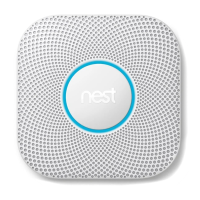
2. Set up Nest Protect
The Nest app will guide you through each
step: scanning the Nest Protect QR code,
connecting it to the Internet, and connecting
it to other Nest Protects in your home. Go to
nest.com/eu/installprotect to watch the video.
Tip: Set everything out on a table for easy setup.


 To Next Page