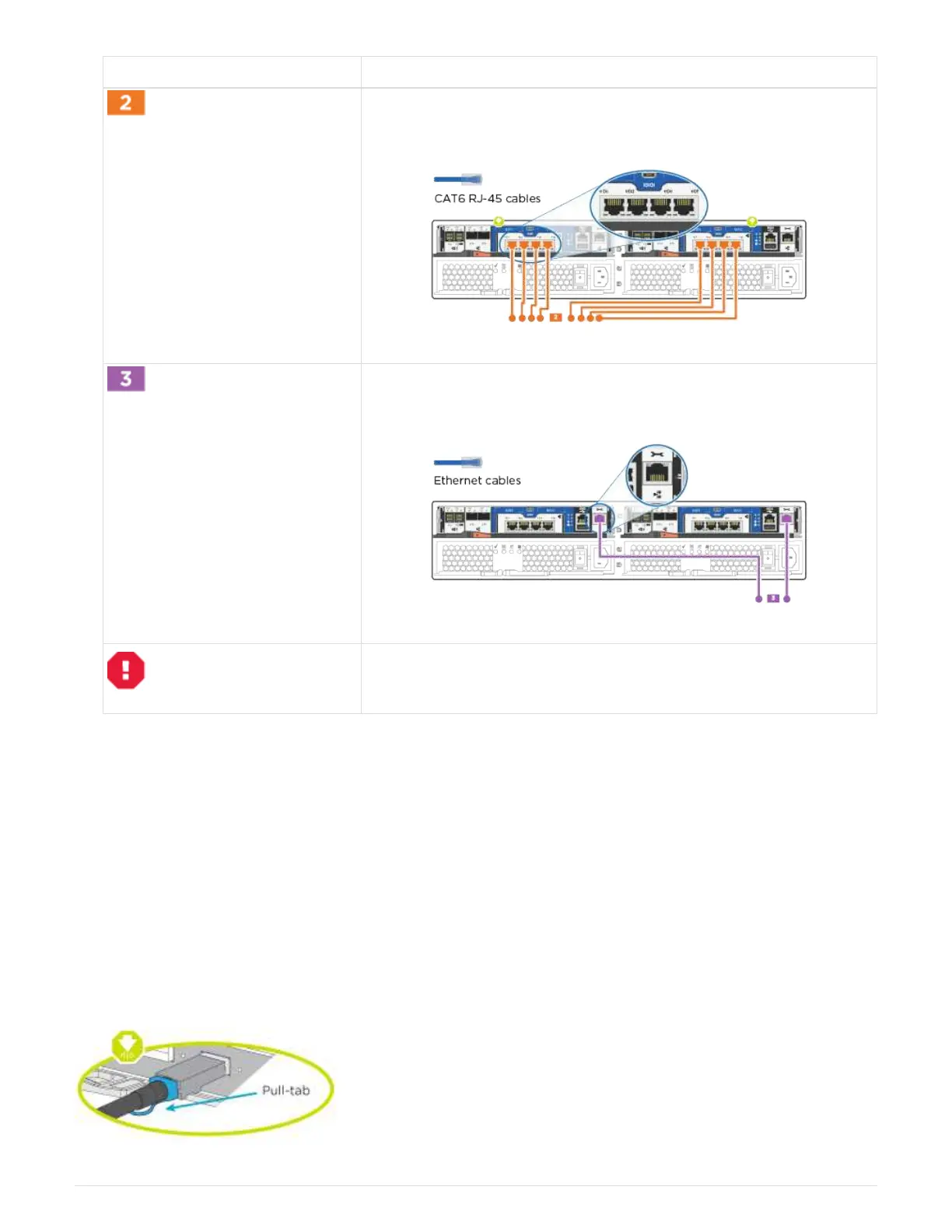
Step Perform on each controller module
Use the Cat 6 RJ45 cable to cable the e0c through e0f ports to your
host network:
Cable the e0M ports to the management network switches with the
RJ45 cables:
DO NOT plug in the power cords at this point.
2. To cable your storage, see
Step 4: Cable controllers to drive shelves
Step 4: Cable controllers to drive shelves
You must cable the controllers to your shelves using the onboard storage ports. NetApp recommends MP-HA
cabling for systems with external storage. If you have a SAS tape drive, you can use single-path cabling. If you
have no external shelves, MP-HA cabling to internal drives is optional (not shown) if the SAS cables are
ordered with the system.
Option 1: Cable storage on an HA pair with external drive shelves
You must cable the shelf-to-shelf connections, and then cable both controllers to the drive shelves.
Be sure to check the illustration arrow for the proper cable connector pull-tab orientation.
123



 To Next Page