4. Locate the corresponding NV battery holder on the replacement controller module and align the NV battery
to the battery holder.
5. Insert the NV battery plug into the socket.
6. Slide the battery pack down along the sheet metal side wall until the support tabs on the side wall hook into
the slots on the battery pack, and the battery pack latch engages and clicks into the opening on the side
wall.
7. Press firmly down on the battery pack to make sure that it is locked into place.
Step 8: Install the controller module
After all of the components have been moved from the impaired controller module to the replacement controller
module, you must install the replacement controller module into the chassis, and then boot it to Maintenance
mode.
You can use the following illustrations or the written steps to install the replacement controller module in the
chassis.
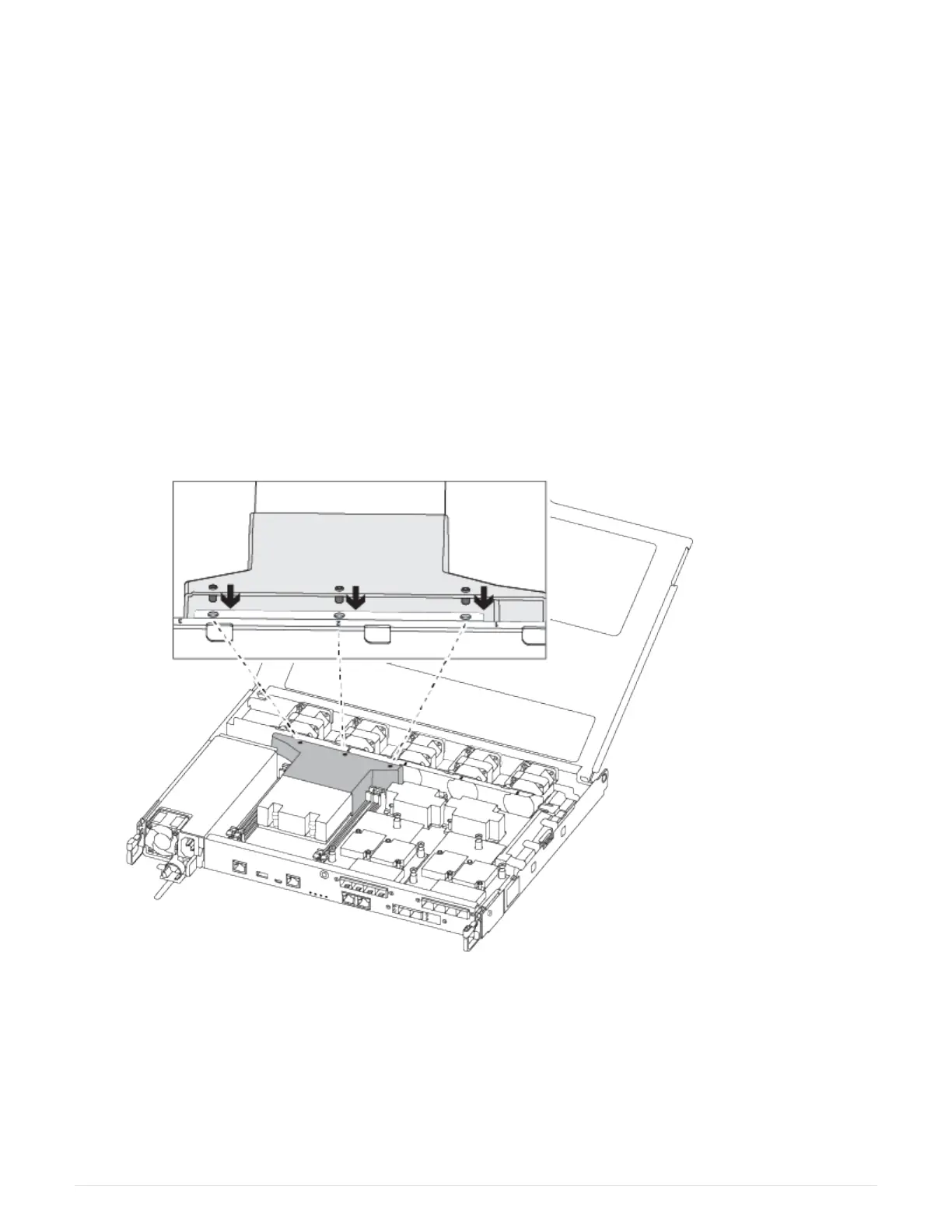
1. If you have not already done so, install the air duct.
2. Close the controller module cover and tighten the thumbscrew.
274



 To Next Page