Step 3: Replace a DIMM
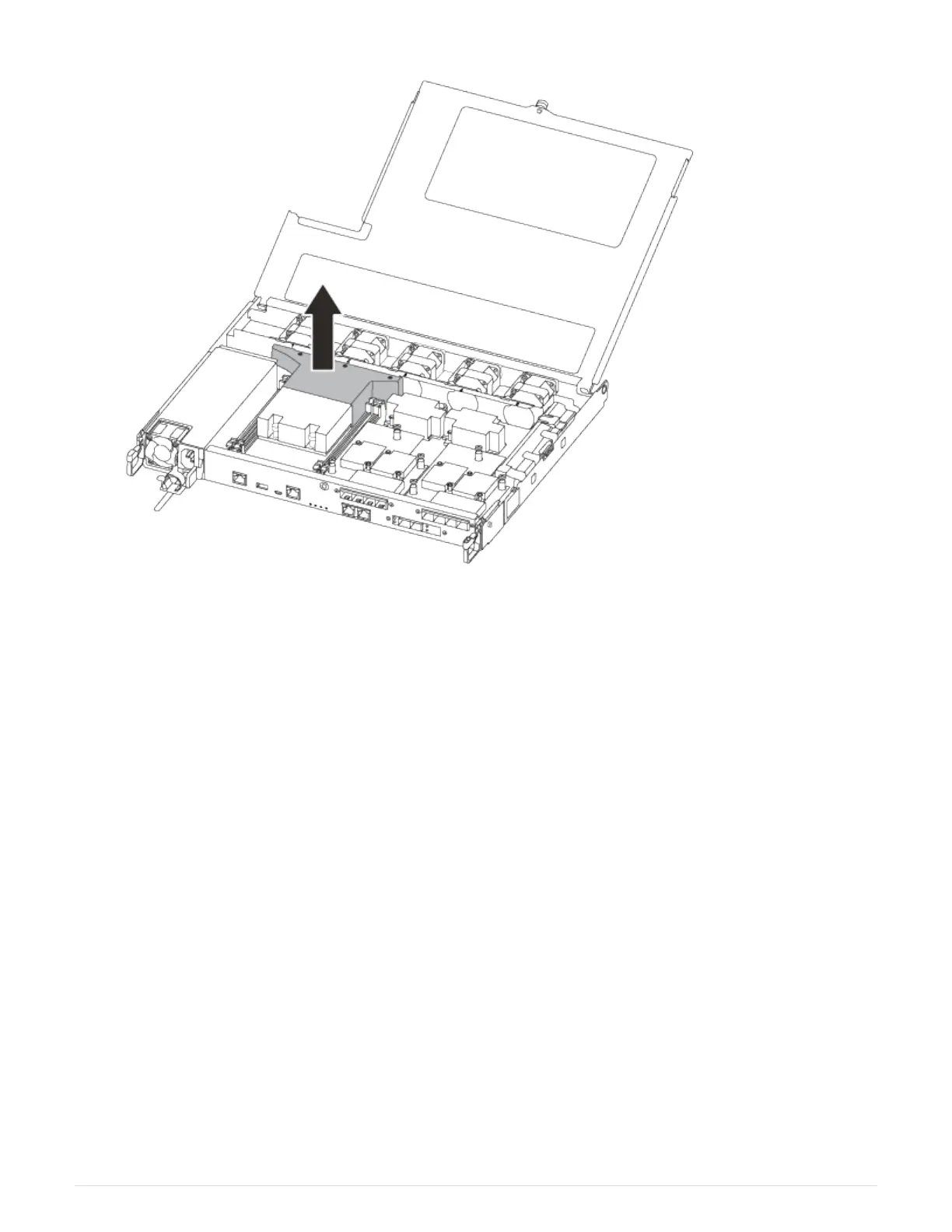
To replace a DIMM, you must locate it in the controller module using the DIMM map label on top of the air duct
and then replace it following the specific sequence of steps.
Use the following video or the tabulated steps to replace a DIMM:
Animation - Replace a DIMM
1. Replace the impaired DIMM on your controller module.
The DIMMs are in slot 3 or 1 on the motherboard. Slot 2 and 4 are left empty. Do not attempt to install
DIMMs into these slots.
286



 To Next Page