Step 3: Replace a caching module
To replace a caching module referred to as the M.2 PCIe card on the label on your
controller, locate the slot inside the controller and follow the specific sequence of steps.
Your storage system must meet certain criteria depending on your situation:
• It must have the appropriate operating system for the caching module you are installing.
• It must support the caching capacity.
• All other components in the storage system must be functioning properly; if not, you must contact technical
support.
Steps
1. If you are not already grounded, properly ground yourself.
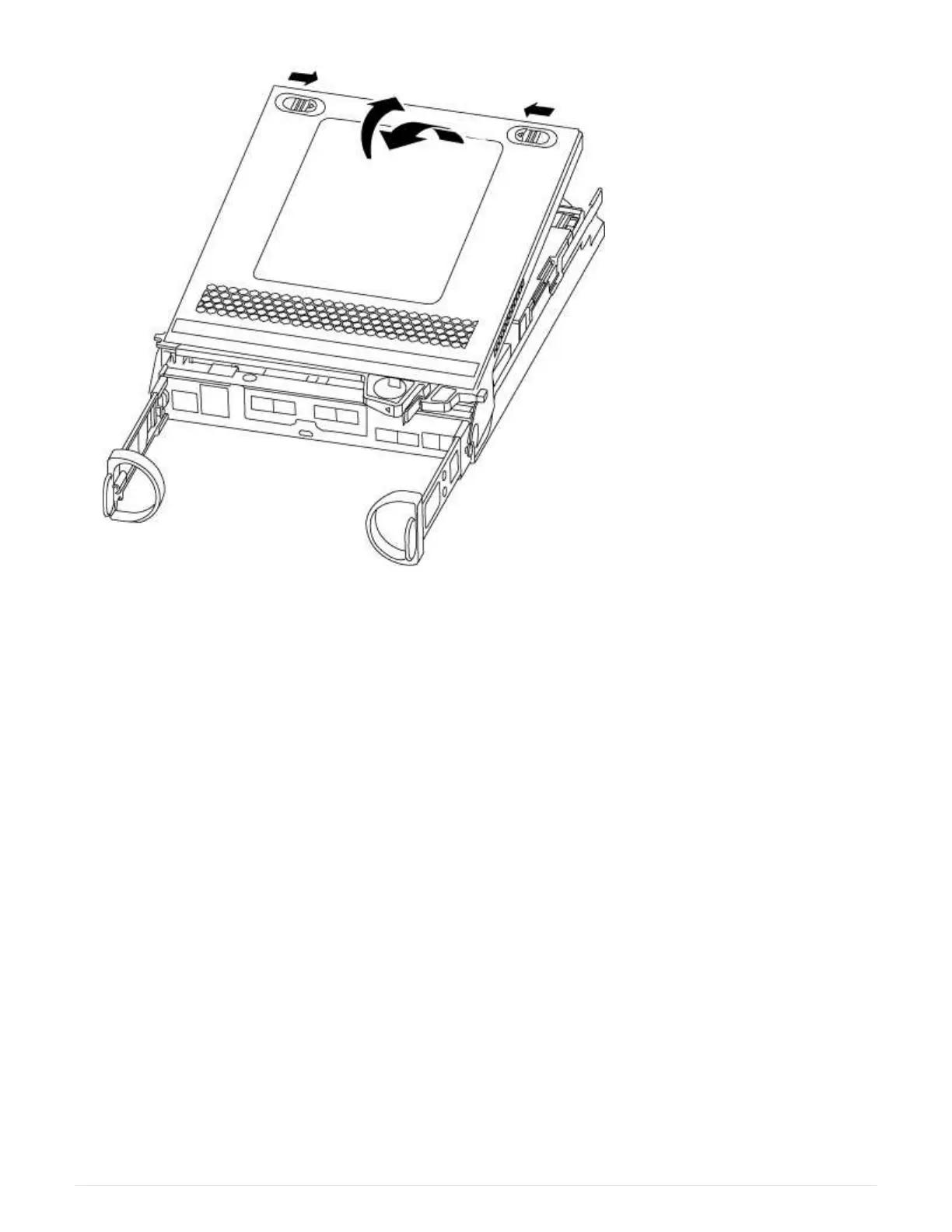
2. Locate the caching module at the rear of the controller module and remove it.
a. Press the release tab.
b. Remove the heatsink.
37



 To Next Page