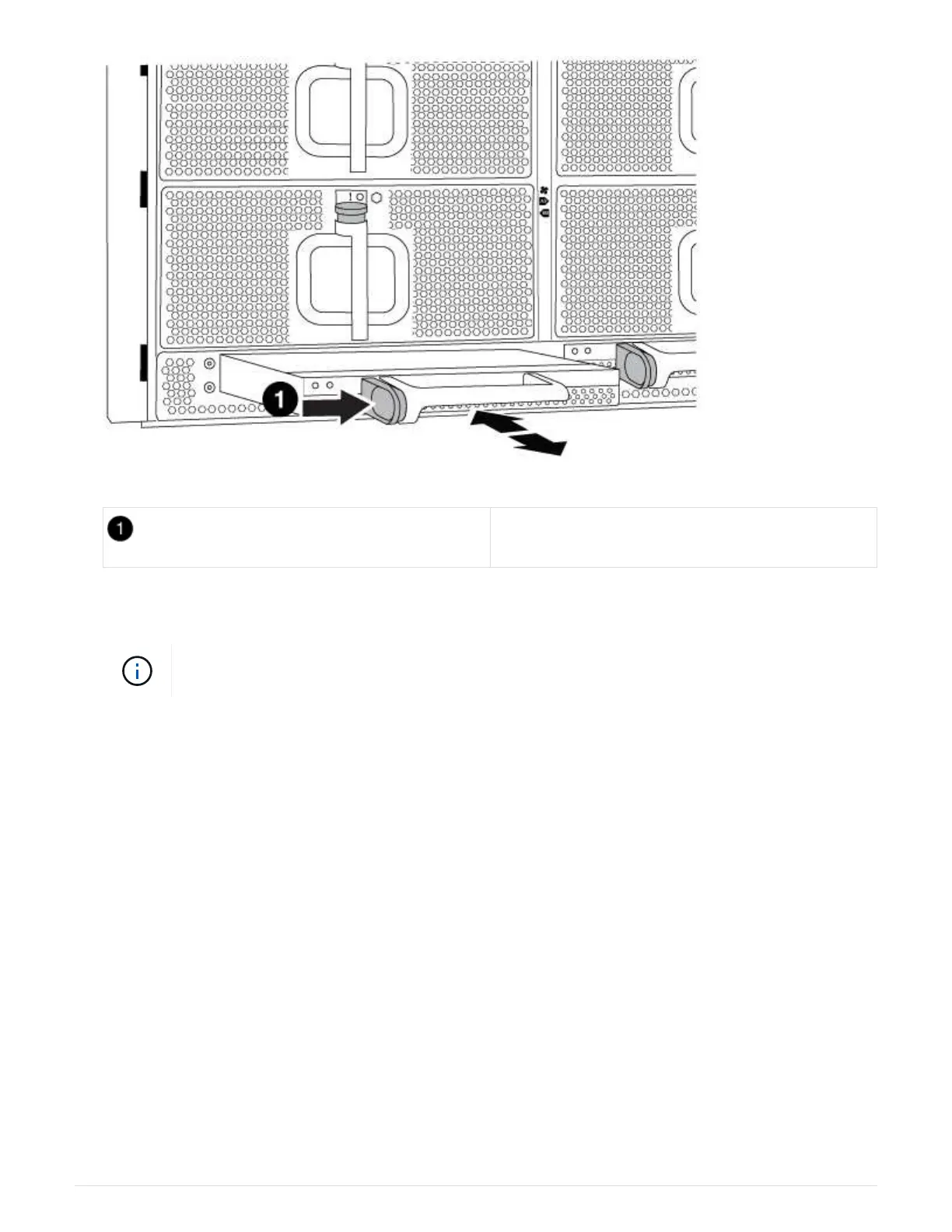
DCPM module orange locking button
5. Align the end of the DCPM module with the chassis opening, and then gently slide it into the chassis until it
clicks into place.
The module and slot are keyed. Do not force the module into the opening. If the module
does not go in easily, realign the module and slide it into the chassis.
The DCPM module LED lights when the module is fully seated into the chassis.
Dispose of batteries
You must dispose of batteries according to the local regulations regarding battery recycling or disposal. If you
cannot properly dispose of batteries, you must return the batteries to NetApp, as described in the RMA
instructions that are shipped with the kit.
https://library.netapp.com/ecm/ecm_download_file/ECMP12475945
Return the failed part to NetApp
Return the failed part to NetApp, as described in the RMA instructions shipped with the kit. See the
Part Return
& Replacements
page for further information.
Replace a DIMM - AFF A700 and FAS9000
You must replace a DIMM in the controller module when your system registers an
increasing number of correctable error correction codes (ECC); failure to do so causes a
system panic.
521



 To Next Page