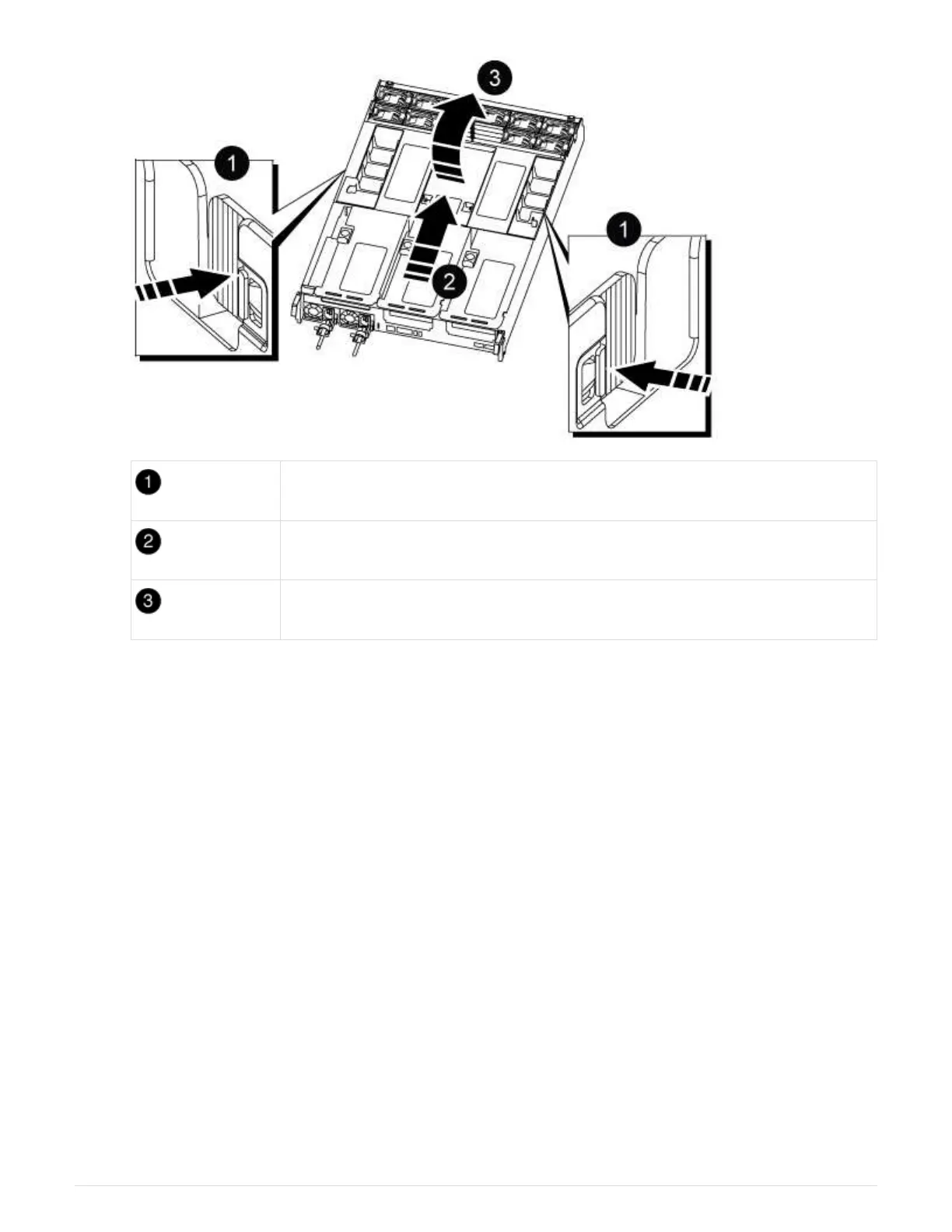
Air duct locking tabs
Slide air duct towards fan modules
Rotate air duct towards fan modules
Step 3: Remove the PCIe risers
You must remove one or more PCIe risers when replacing specific hardware components in the controller
module.
1. Remove the PCIe riser from the controller module:
a. Remove any SFP or QSFP modules that might be in the PCIe cards.
b. Rotate the riser locking latch on the left side of the riser up and toward the fan modules.
The riser raises up slightly from the controller module.
c. Lift the riser up, shift it toward the fans so that the sheet metal lip on the riser clears the edge of the
controller module, lift the riser out of the controller module, and then place it on a stable, flat surface.
679



 To Next Page