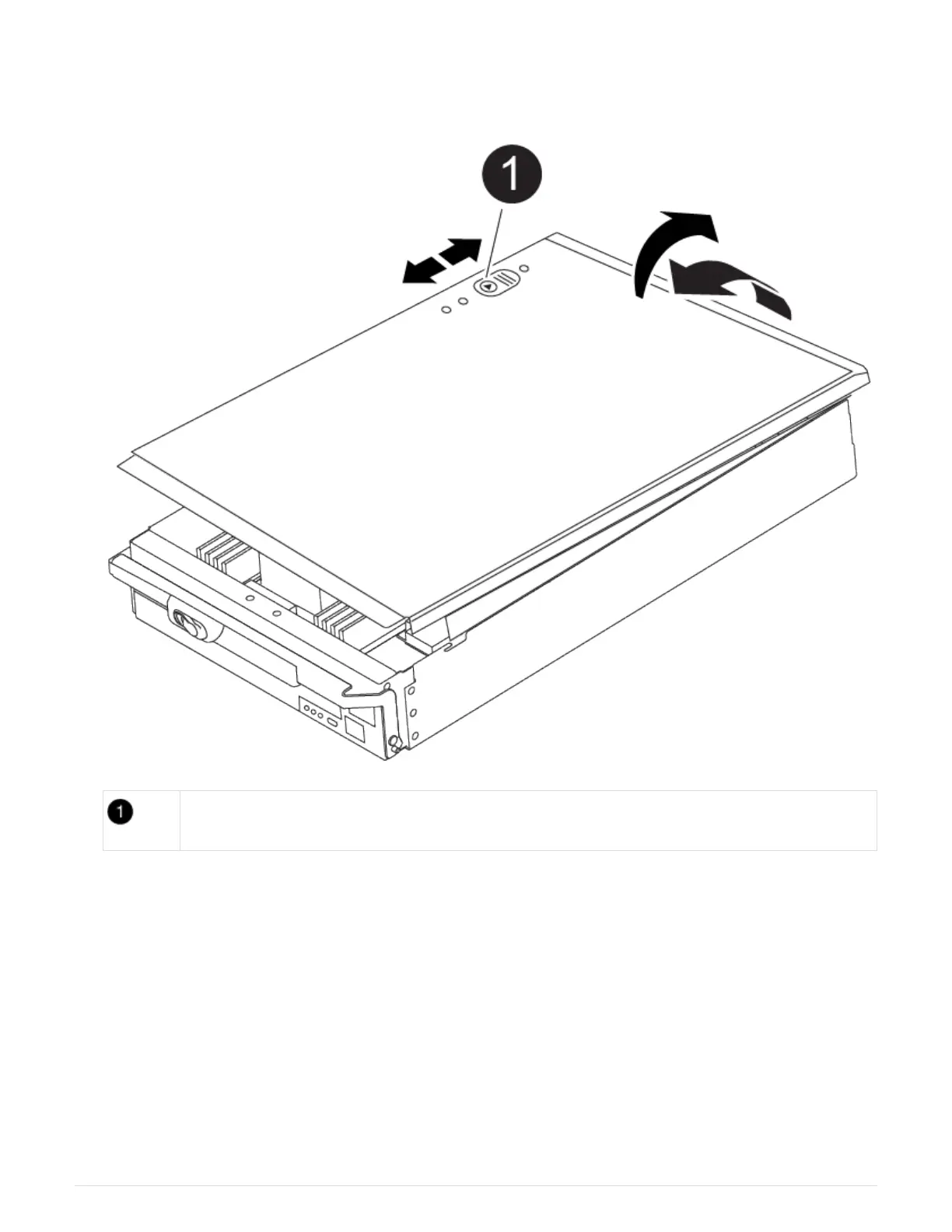
5. Place the controller module lid-side up on a stable, flat surface, press the blue button on the cover, slide
the cover to the back of the controller module, and then swing the cover up and lift it off of the controller
module.
Controller module cover locking button
Step 2: Replace the boot media
You must locate the boot media in the controller and follow the directions to replace it.
Steps
1. Lift the black air duct at the back of the controller module and then locate the boot media using the
following illustration or the FRU map on the controller module:
Animation - Replace boot media
716



 To Next Page