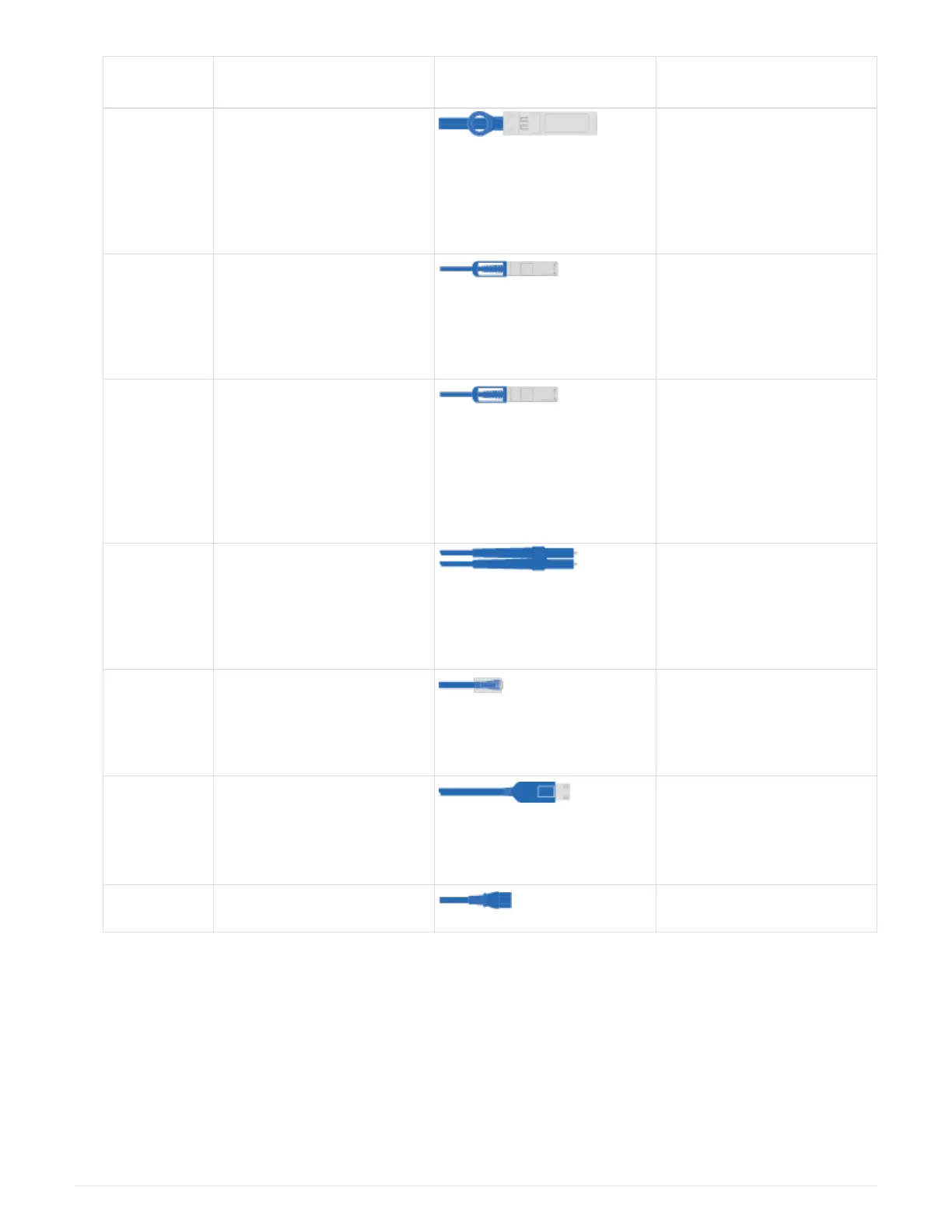
Type of
cable…
Part number and length Connector type For…
32 Gb FC
(SFP+ Op)
X66250-2 (112-00342), 2m
X66250-5 (112-00344), 5m
X66250-15 (112-00346),
15m
FC optical network cable
40 GbE
network cable
X66100-1 (112-00542), 1m
X66100-3 (112-00543), 3m
X66100-5 (112-00544), 5m
Ethernet data, cluster
network
100 GbE
cable
X66211B-1 (112-00573), 1m
X66211B-2 (112-00574), 2m
X66211B-5 (112-00576), 5m
Network,
NVME storage,
Ethernet data,
cluster network
Optical
cables
X66031A (112-00436), 1m
X66032A (112-00437), 2m
X66033A (112-00438), 3m
FC optical network
Cat 6, RJ-45
(order
dependent)
Part numbers X6585-R6
(112-00291), 3m
X6562-R6 (112-00196), 5m
Management network and
Ethernet data
Micro-USB
console cable
Not applicable Console connection during
software setup on non-
Windows or Mac
laptop/console
Power cables Not applicable Powering up the system
4. Review the
ONTAP Configuration Guide and collect the required information listed in that guide.
Step 2: Install the hardware
You need to install your system in a 4-post rack or NetApp system cabinet, as applicable.
1. Install the rail kits, as needed.
2. Install and secure your system using the instructions included with the rail kit.
3



 To Next Page