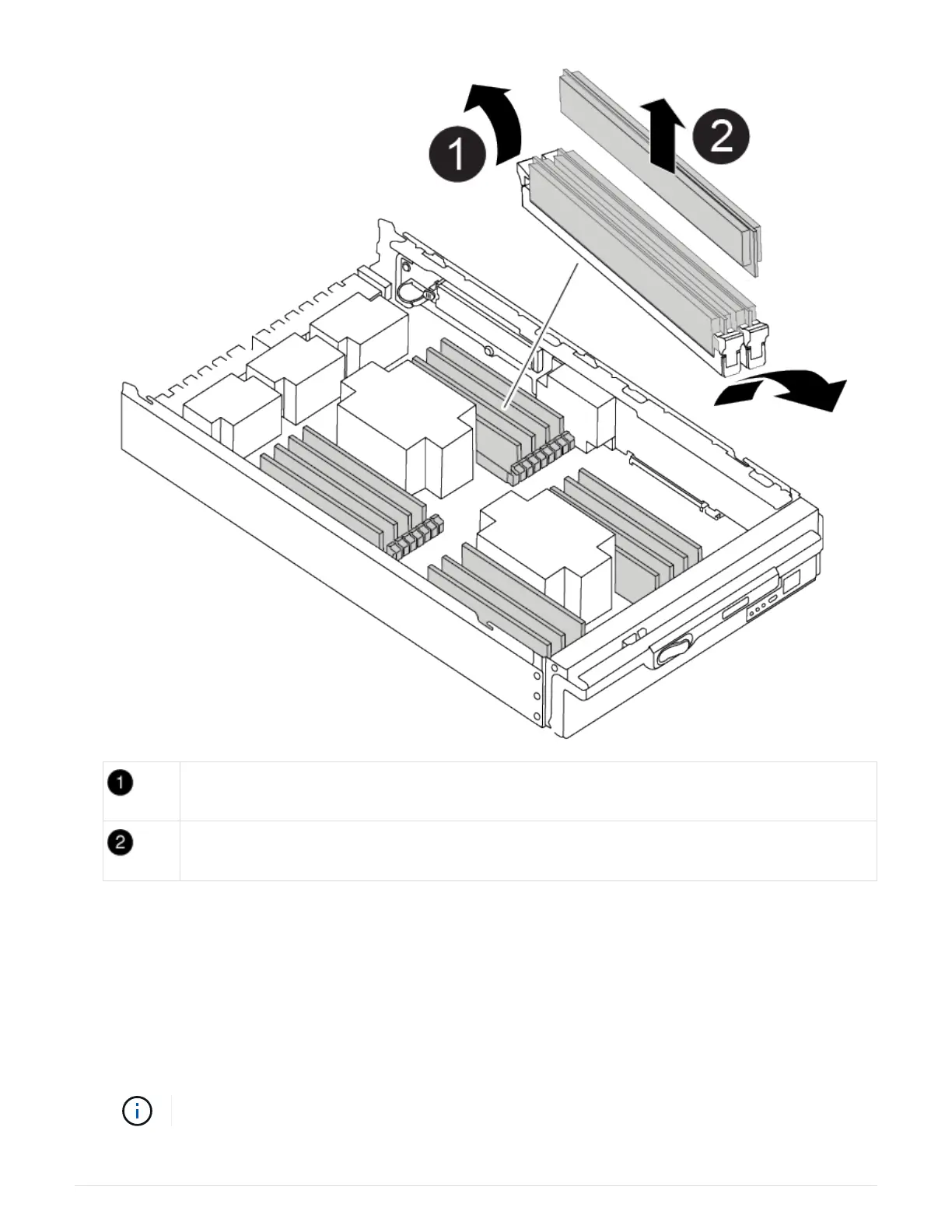
DIMM ejector tabs
DIMM
4. Remove the replacement DIMM from the antistatic shipping bag, hold the DIMM by the corners, and align it
to the slot.
The notch among the pins on the DIMM should line up with the tab in the socket.
5. Make sure that the DIMM ejector tabs on the connector are in the open position, and then insert the DIMM
squarely into the slot.
The DIMM fits tightly in the slot, but should go in easily. If not, realign the DIMM with the slot and reinsert it.
Visually inspect the DIMM to verify that it is evenly aligned and fully inserted into the slot.
78



 To Next Page