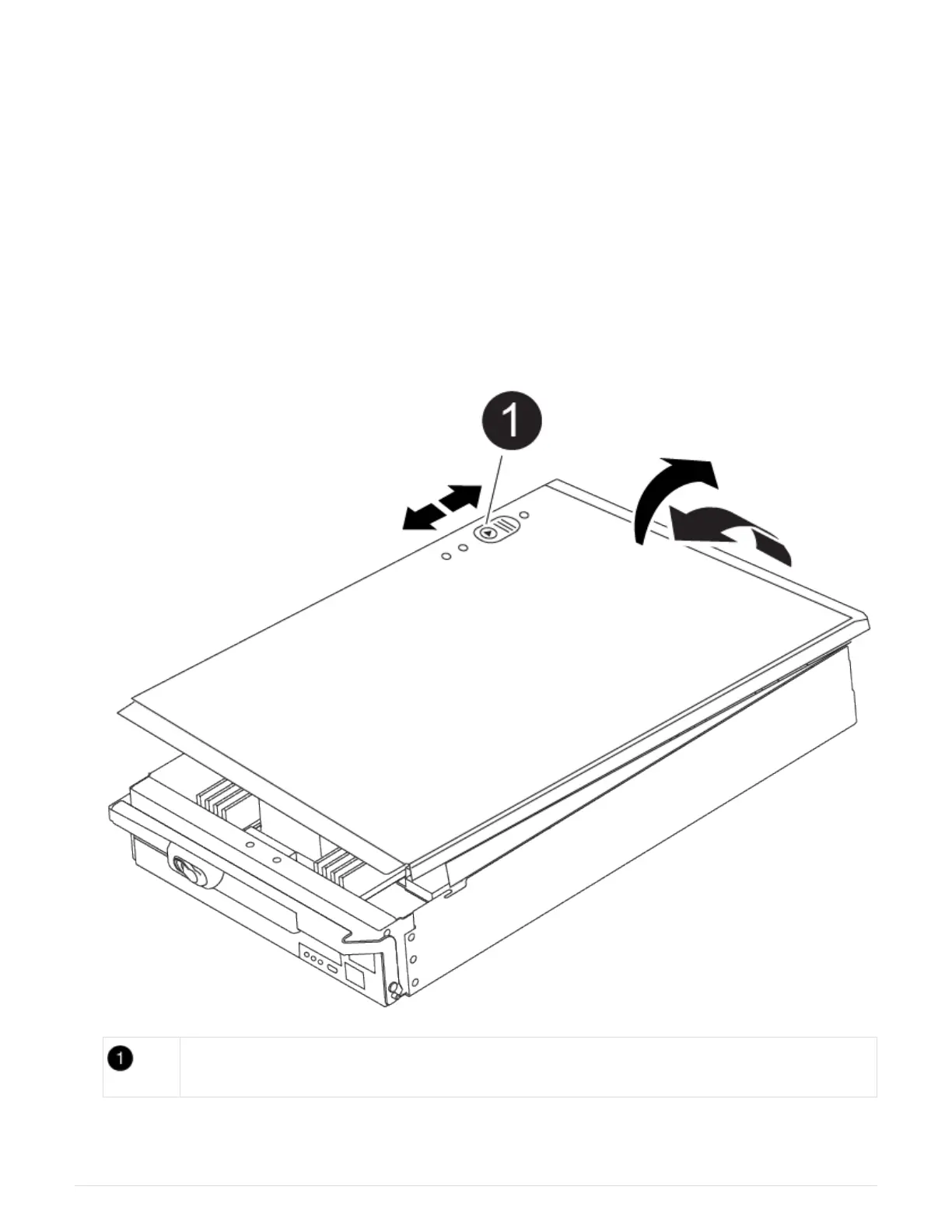
6. Push carefully, but firmly, on the top edge of the DIMM until the ejector tabs snap into place over the
notches at the ends of the DIMM.
7. Close the controller module cover.
Step 4: Install the controller
After you install the components into the controller module, you must install the controller
module back into the system chassis and boot the operating system.
For HA pairs with two controller modules in the same chassis, the sequence in which you install the controller
module is especially important because it attempts to reboot as soon as you completely seat it in the chassis.
1. If you are not already grounded, properly ground yourself.
2. If you have not already done so, replace the cover on the controller module.
Controller module cover locking button
3. Align the end of the controller module with the opening in the chassis, and then gently push the controller
module halfway into the system.
79



 To Next Page