Step Perform on each controller module
3 To complete setting up your system, see Step 4: Complete system setup and configuration.
==== Option 3: Cable the controllers to a single drive shelf
You must cable each controller to the NSM modules on the NS224 drive shelf.
Before you begin
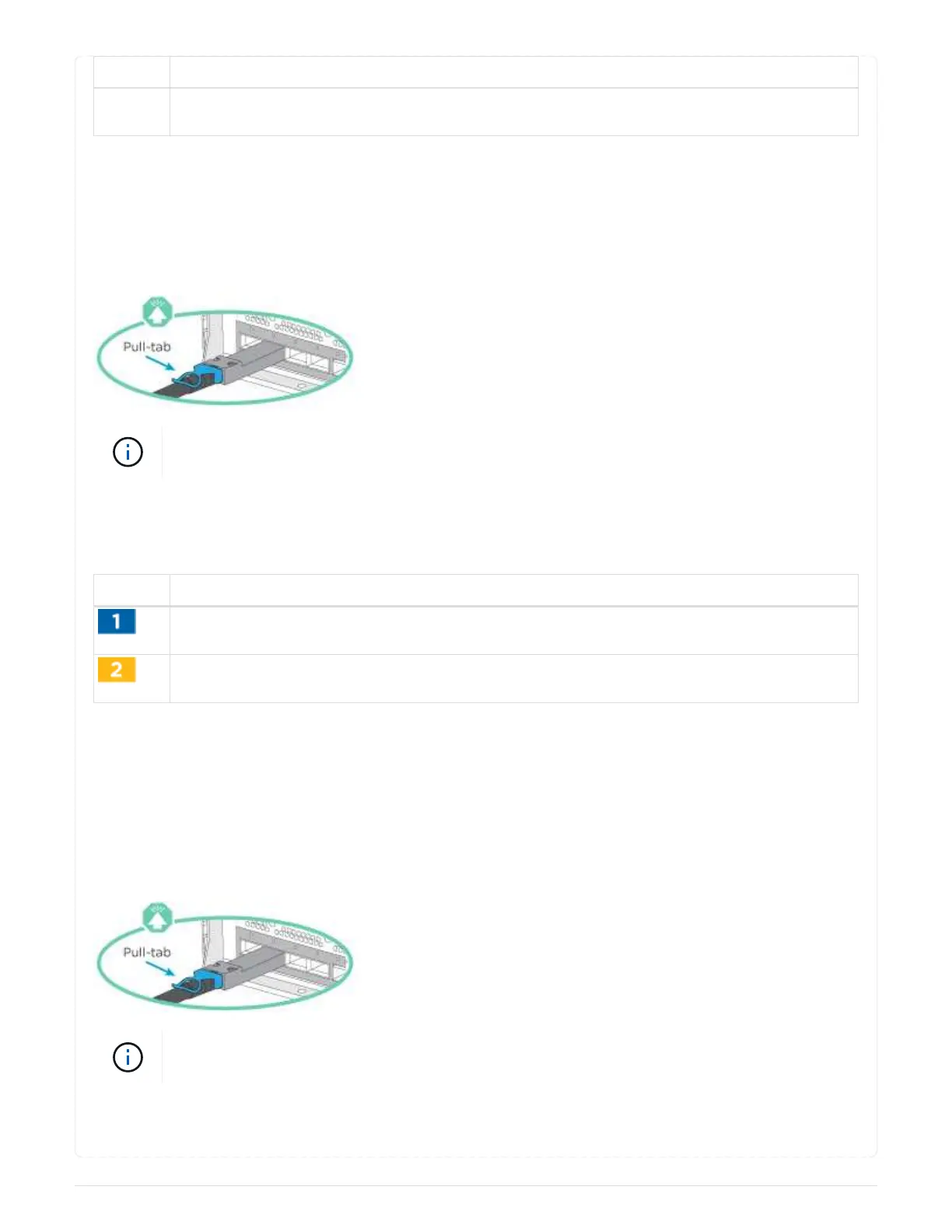
Be sure to check the illustration arrow for the proper cable connector pull-tab orientation.
As you insert the connector, you should feel it click into place; if you do not feel it click,
remove it, turn it around and try again.
Use the animation or the tabulated steps to cable your controllers to a single shelf:
Animation - Cable the controllers to a single drive shelf
Step Perform on each controller module
Cable controller A to the shelf: [drw asac800 1shelf cabling a]
Cable controller B to the shelf: [drw asac800 1shelf cabling b]
To complete setting up your system, see
Step 4: Complete system setup and configuration.
==== Option 4: Cable the controllers to two drive shelves
You must cable each controller to the NSM modules on both NS224 drive shelves.
Before you begin
Be sure to check the illustration arrow for the proper cable connector pull-tab orientation.
As you insert the connector, you should feel it click into place; if you do not feel it click,
remove it, turn it around and try again.
Use the animation or the tabulated steps to cable your controllers to two drive shelves:
216



 To Next Page