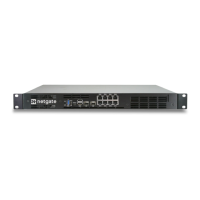
Product ManualXG-7100
2.5 Switch Configuration Examples
2.5.1 Dedicated LAN switch
In this scenario, SFP+ port ix0 will be configured as the WAN interface. ETH1-8 will be configured as a LAN switch.
For this specific example, I’ll perform the WAN interface reassignment over console. Re-assigning the WAN can be
done from the webGUI as well.
This is what the default interface assignments look like on a XG-7100 without an addon NIC:
In this example, ix0 will be WAN, so select option 1 to re-assign WAN from lagg0.4090 to ix0:
2.5. Switch Configuration Examples 13


 To Next Page