EasyManua.ls Logo

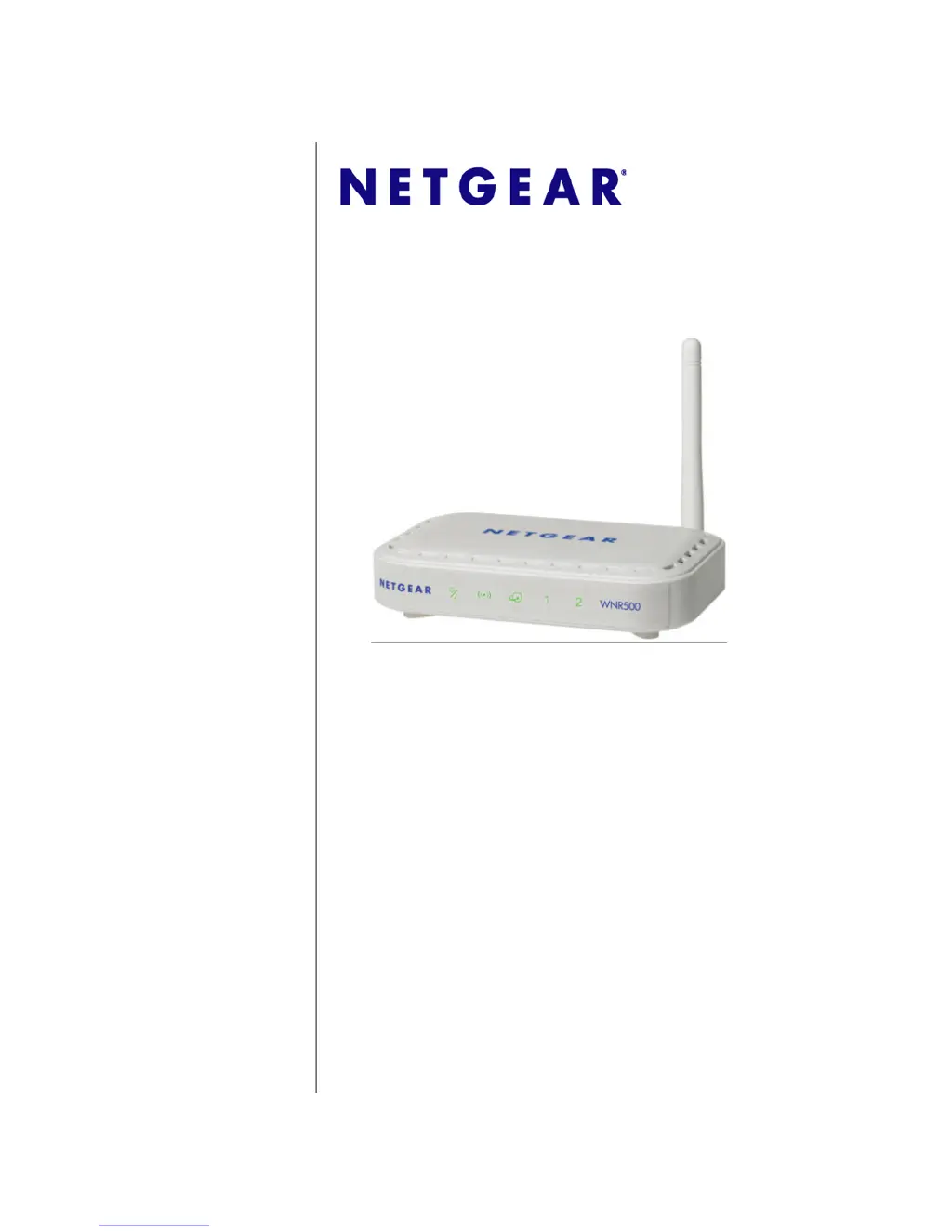
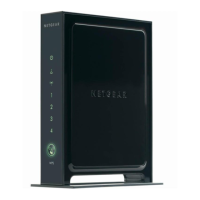
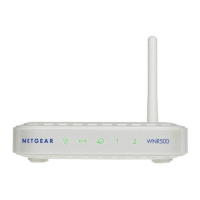
NETGEAR WNR500 - User Manual

NETGEAR WNR500
132 pages
Print Icon
To Next Page IconTo Next Page
Loading...
202-10962-01
December 2011
v1.0
NETGEAR, Inc.
350 E. Plumeria Drive
San Jose, CA 95134 USA
N-150 2-Port Wireless Router WNR500
User Manual

Table of Contents

Questions and Answers

  • W
    William RoweAug 10, 2025
    What to do if the Internet or LAN port lights are not on NETGEAR WNR500 Wireless Router?
    • M
      Mark FullerAug 10, 2025
      If the Internet or LAN port lights on your NETGEAR Wireless Router are not lit, first ensure the Ethernet cables are securely connected to both the router and your computer. Also, verify that the connected computer is powered on. Lastly, confirm that you are using Ethernet cables similar to the one provided with the router.
  • R
    reedkaitlinAug 25, 2025
    How to fix NETGEAR WNR500 Wireless Router if the Power/Test light is not on?
    • J
      jeffrey14Aug 25, 2025
      If the Power/Test light on your NETGEAR Wireless Router is not on, ensure the power cord is properly connected to the router and the power adapter is correctly connected to a functioning power outlet. Also, verify that you are using the power adapter supplied by NETGEAR for this specific product.

NETGEAR WNR500 Specifications

General IconGeneral
BrandNETGEAR
ModelWNR500
CategoryWireless Router
LanguageEnglish

Related product manuals