support: +31 (0)172 471 339
31
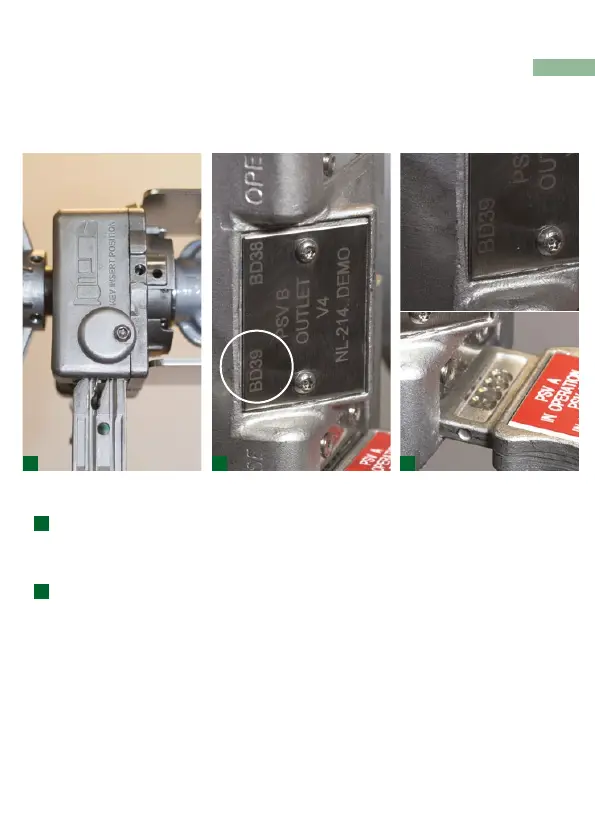
> Check if key is being inserted in the right orientation (not
upside down), see key engraving on the side of the lock
body for correct positioning
> Check if you have the correct key, by comparing the
engraved key code with the code of the lock key
position
> Check if anything is blocking the key entrance or if
key is damaged
> If two set screws are not inline please contact
Netherlocks or your local interlock partner
Key does not t (key cannot be inserted)
1 2 2
1
2
Troubleshooting



 To Next Page