3
2. Equipment interface
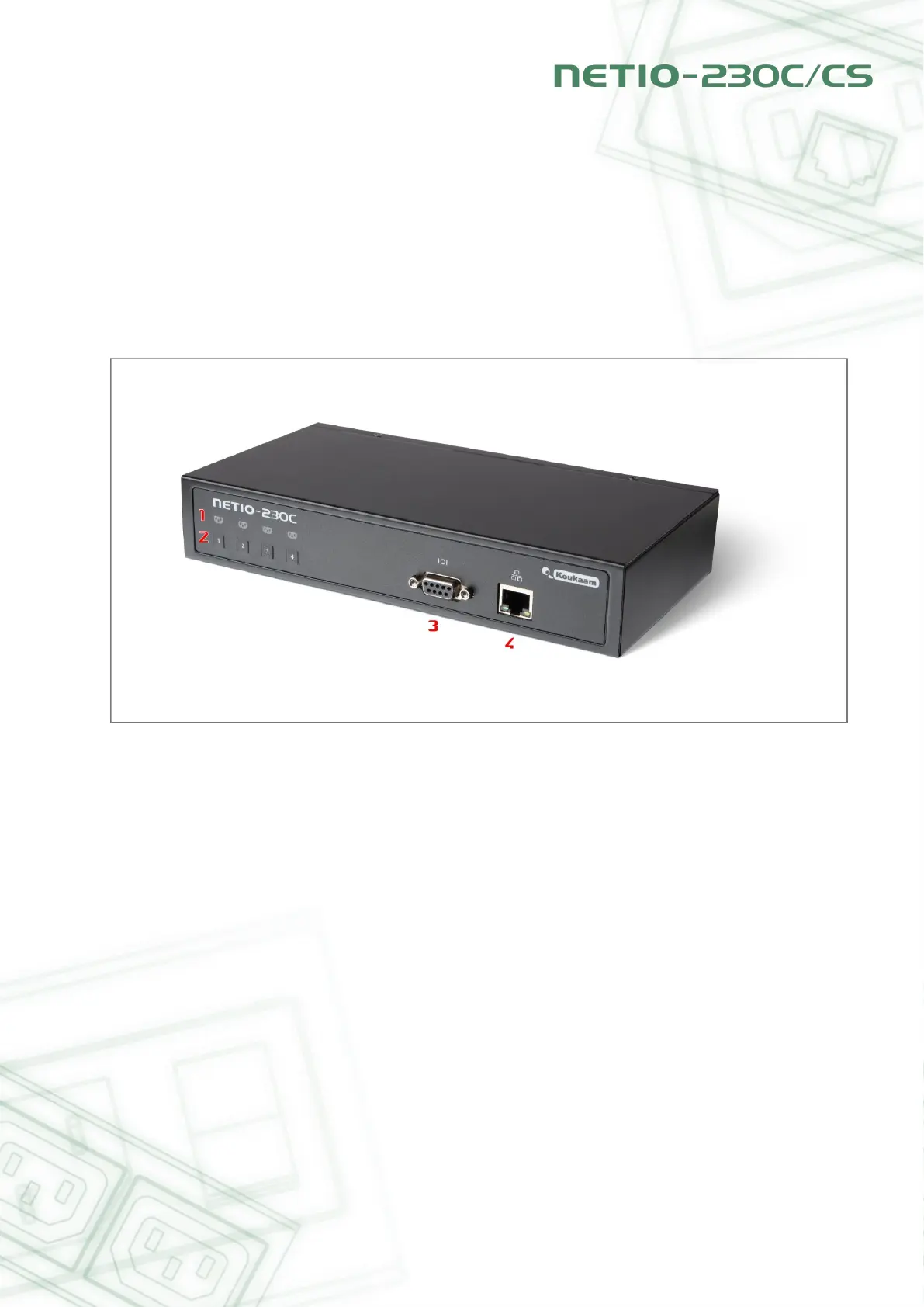
2.1. Front view, NETIO-230C
Figure 2.1. NETIO-230C, front view
1. Four indicator led diodes
2. Manual buttons for switching outputs on/off
3. Serial port RS232
4. Connector RJ-45 network interface for connection to Ethernet/Internet.



 To Next Page