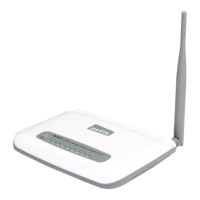
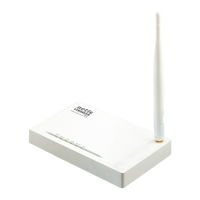
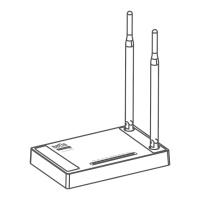
Wireless N ADSL2+ Modem Router Quick Installation Guide
10
Step 12: Click , it will show like below, then you can surf the
Internet.
Appendix:
Configure the parameters for the WAN interface of your modem
router
Step 1: Connect your upper device with the LAN4 port (as WAN port)
on the router by an Ethernet cable.
And connect your PC with one of LAN1~LAN3 port by an Ethernet
cable.
Step 2: Go to Setup->WAN, choose WAN Physical Type as Ethernet
WAN


 To Next Page
 Loading...