Wireless Cable/DSL Router
82
Network Everywhere
®
Series
81
6. When the “Wireless
Network Connection
Properties” window
appears, as in Figure C-
8, click the Wireless
Networks Tab.
7. If the appropriate wire-
less network, specified
by the Router’s SSID, is
displayed in the
“Preferred networks”
section, as shown in
Figure C-9, double-
click it and continue to
the next step.
Otherwise, click on the
appropriate wireless
network, specified by
the Router’s SSID, in
the “Available net-
works” section. Then,
click the Configure
button
Figure C-8
Figure C-9
If a “Connect to Wireless Network” window appears, in the Available
Networks section, click the desired wireless network, specified by the
Router’s SSID. Then, double-click the Wireless Network Connection icon.
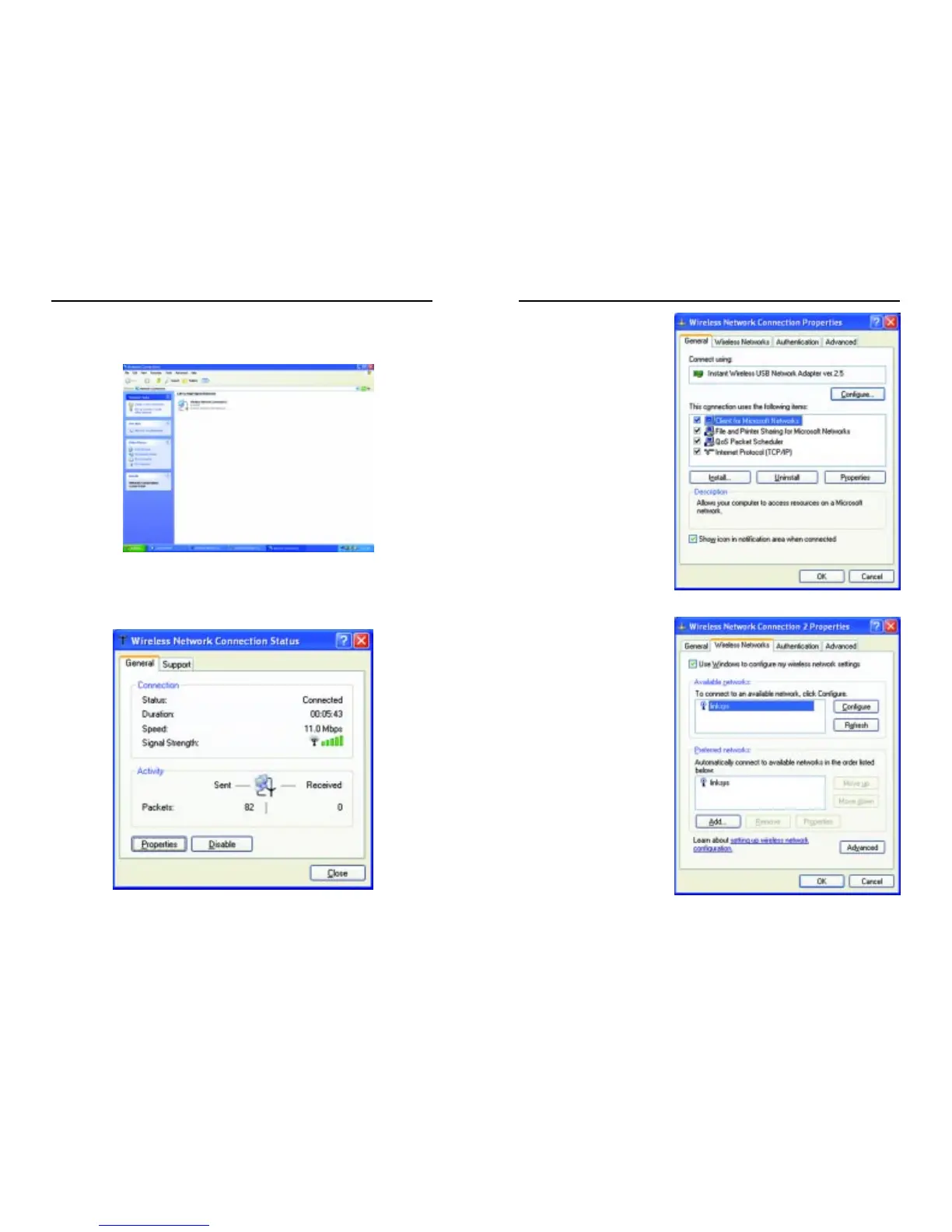
5. When the “Wireless Network Connection Status” window appears, as in
Figure C-7, click the Properties button.
Figure C-6
Figure C-7



 To Next Page