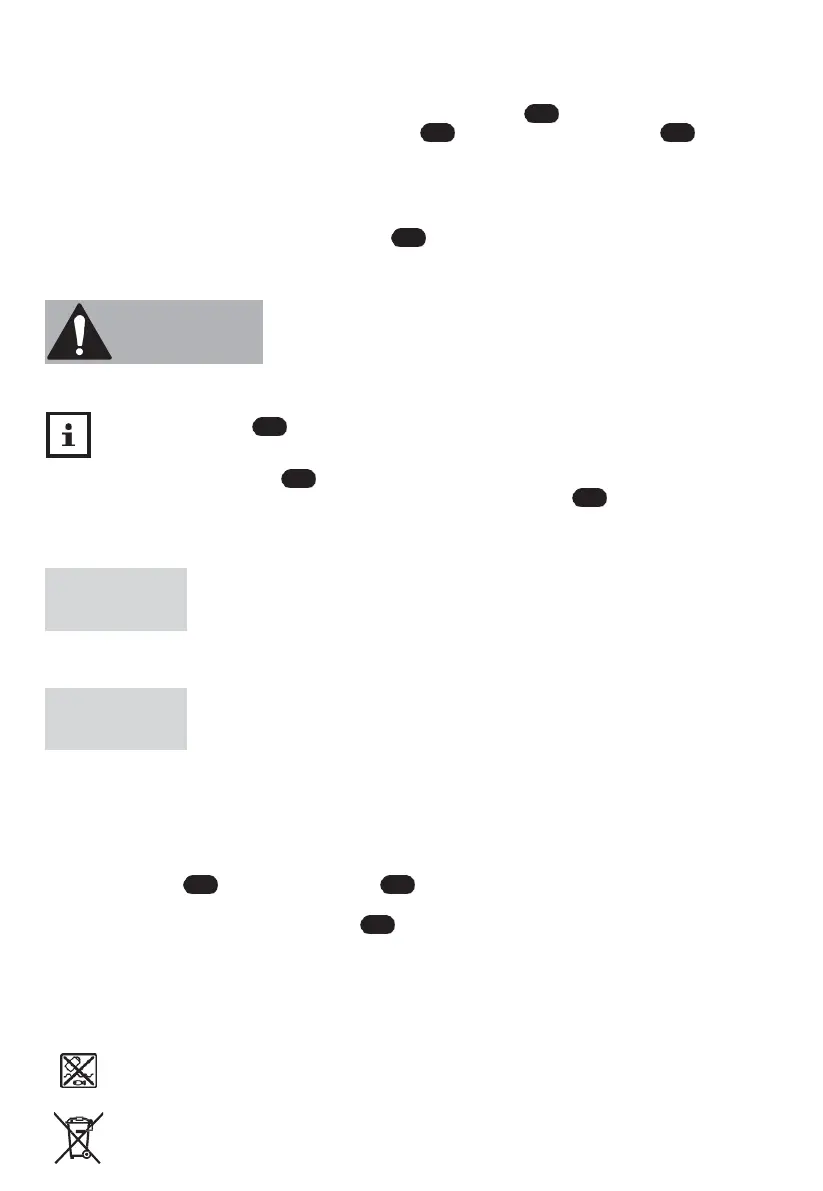
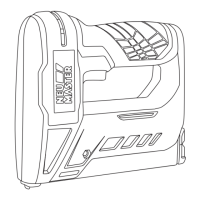
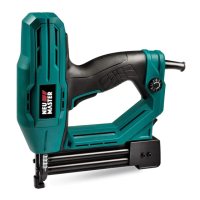
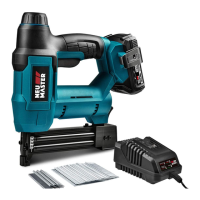
Staple/Nail loading
1.
Ensure that the stapler is switched off and that the on/off switch is set to the “O” position.
2.
Squeeze the staple cartridge release and lock and pull the staple cartridge out to the
rear.
3. Place the staples or nails into the staple Cartridge (see Fig. B). There is nail loading side indicating.
4. Slide the staple cartridge back into the stapler, until the staple cartridge clicks into place.
Switching the stapler on/off
− To switch the stapler on, set the on/off switch to the “I” position.
− To switch the stapler off, set the on/off switch to the “O” position.
Using the stapler
Risk of injury!
Improper handling of the stapler can lead to injury.
− If a staple has become jammed, do not hold the stapler by the trigger. When clearing a jammed
staple, the trigger may be accidentally operated.
Place the tacker head carefully on soft work items. Otherwise, the work item may become
damaged.
1. Hold the stapler by its handle .
2.
Place the stapler nose firmly on the work item and squeeze the trigger .
The staple or the nail is then ejected and pierces the work item.
Cleaning and maintenance
Risk of damage!
Water or other liquids that have penetrated the housing may cause a short circuit.
−− Never immerse the stapler in water or other liquids.
−− Make sure that no water or other liquids get into the housing.
Risk of damage!
Improper handling of the stapler can damage it.
−− Do not use any aggressive cleaners, brushes with metal or nylon bristles or sharp or metallic
cleaning utensils such as knives, metal sponges and the like. They could damage the surfaces.
Cleaning the stapler
Check the condition of the stapler at regular intervals. Among other things, check to
make sure:
−− that the on/off switch and the trigger are free from damage.
−− that the accessories are in perfect condition.
−− that the micro USB port charging cable are free from damage.
If you identify any damage, you must have it repaired by a specialist workshop to prevent
risks.
Disposal
Disposing of the stapler
Power tools, batteries, accessories and packaging must be hand over to environmentally
friendly recovery.
Do not dispose of power tools and rechargeable batteries / accumulators in household waste!


 To Next Page