Got Questions? Let Us Help! Email SUPPORT@NEUMITECH.COM
To get your media player ready for use
:
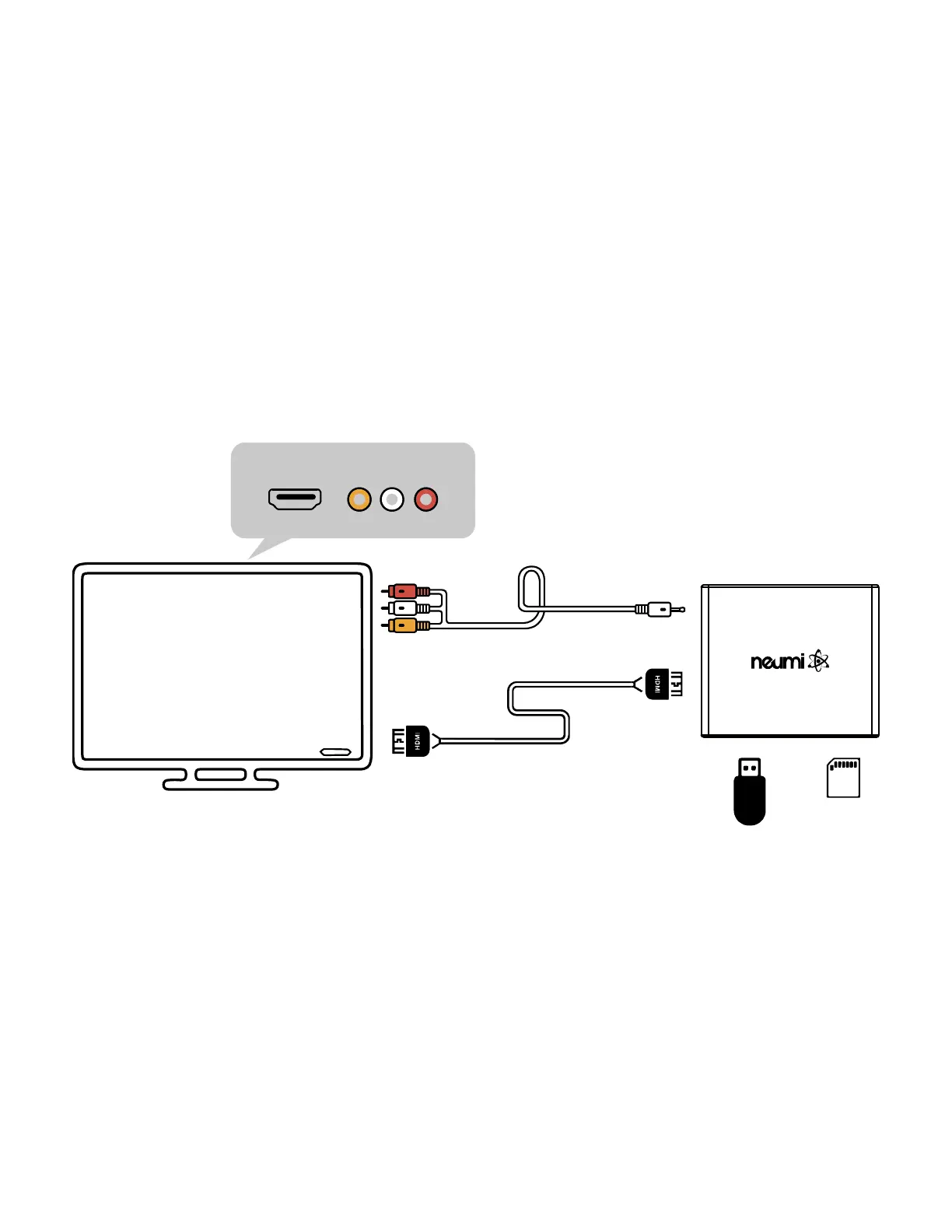
• Connect the media player to your TV using an HDMI cable (not included) or the included
analog AV cable. It is possible to set the media player to send video via HDMI to your TV
while sending the audio out via AV cable to a stereo system. When connecting to a 4K
TV using HDMI, be sure to use an HDMI 2.0 cable
• Turn on your TV and set it to the appropriate input source where the media player is
connected.
• Connect the AC adapter for the media player – it will turn on automatically. Ta-da!
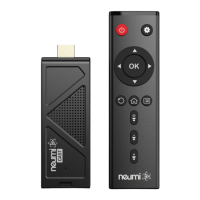
• Install two AAA batteries (not included) into the remote control.
That’s it! Now all you need to do is load some videos onto a Micro SD card or USB drive (not
included) and begin enjoying your new media player.
H
D
M
I
C
a
b
l
e
(
N
o
t
I
n
c
l
u
d
e
d
)
A
V
C
a
b
l
e
(
I
n
c
l
u
d
e
d
)
H
D
M
I
A
V
USB
T
V



 To Next Page