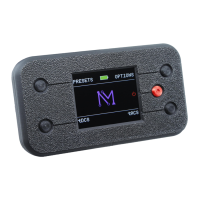
Step 7: Try the Meter
9
Need Help?
Point your phone
camera at the
tiny dots and click
the yellow link.
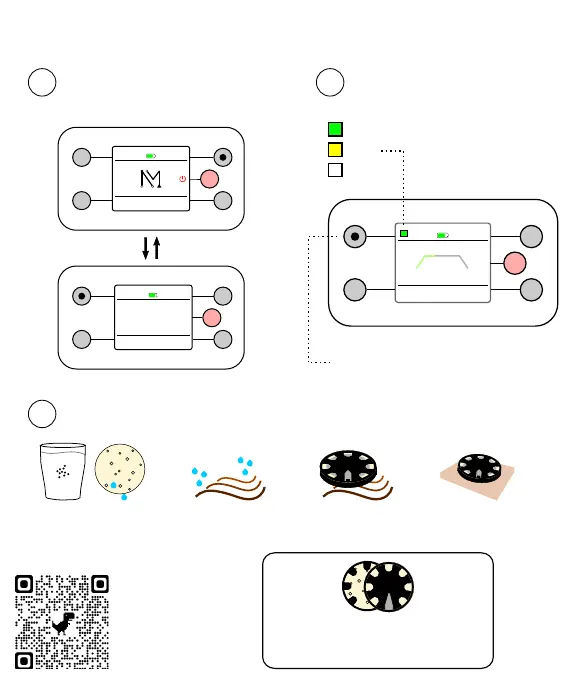
Turn the meter on
1
Start any session
2
STOP
▶ /⏸
20:00
INTENSITY
+−
RUNNING
mode
Color
good
okay
poor
Resistance
Hold the top left button until
you see numbers in kΩ
Pro Tip. Try testing the meter first
with only the electrodes. Have the
electrodes touch sponge to sponge.
3
Improve the connection
Press electrodes
against the skin
Add salt and
resoak sponges
Clear away hairSoak hair in saline
The Meter
A session tool that
measures the quality
of the connection
between the scalp
and electrodes
Turn the meter on in Options
METER ON
METER OFF
BACK
METER ON
PRESETS
tDCS
OPTIONS
tACS
The meter is off by default


 To Next Page
 Loading...