User manual
Work lights
OFF
Position 1
There is 1 work light with a H3/55W Halogen bulb on the arm
of the
excavator. This light can be turned on and off with the switch
on the
instrument panel (see section 6 for the position of the light
switch).
There are four more lights with H3/55W Halogen bulbs on the
chassis (2
in the front and 1 on each side). The 2 front headlights are on
when the
switch is the Position 1. The side lights are turned on by pushing
the
switch to Position 2. (see section 6 for the position of the light
switch).
Position 2
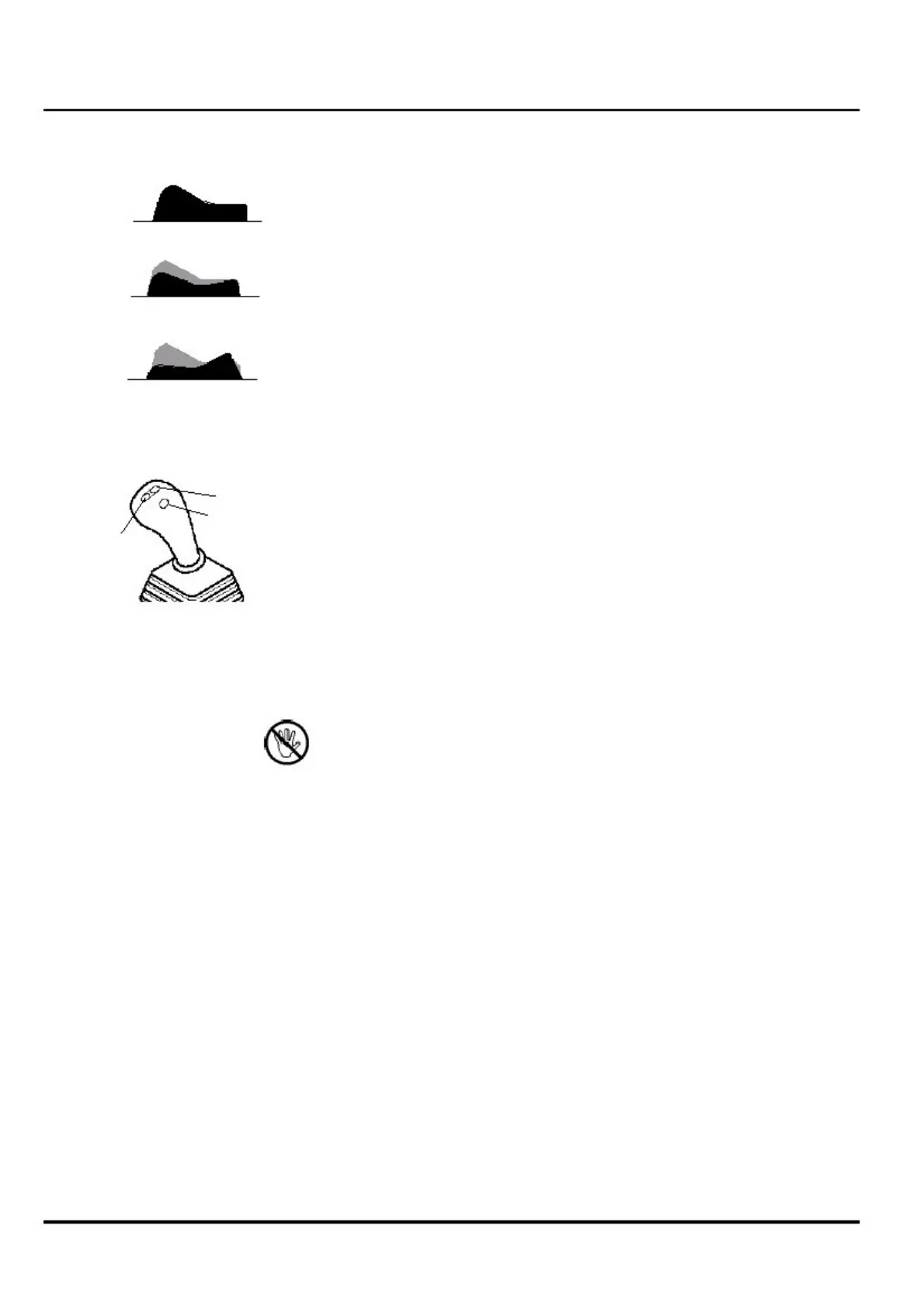
Accelerator (Joystick right)
+
L
With the ”-/+” buttons the rpm is variable controlled between idle
and max.
rpm.
Dropping to idle by pressing the button ”L”.
Returning to the last rpm setting by pressing ”L”
again.
Driver's Seat
The following options are available to change the position of the
driver's
seat:
CAUTION: Only adjust seat when the excavator is stopped.
a) Adjustment of the seat position
The seat can be adjusted horizontally back and forth using the
seat
adjustment lever (see 26 under Cab Controls 4.1). When the
lever is
released, the seat locks in the appropriate position.
b) Adjustment of the seat back position (in the middle of the
seat)
The seat can be leaned forward and back (see 5 under Cab
Controls 4.1)
using the seat back adjustment lever.
c) Adjustment of the seat spring tension (in the middle of the
seat)
The seat spring tension can be adjusted to accommodate (see 3
under
Cab Controls 4.1) the needs of different operators:
- for lighter persons
- for medium persons
- for heavier persons
-
9707672_user manual_en
- 30 -


 To Next Page
 Loading...