1)
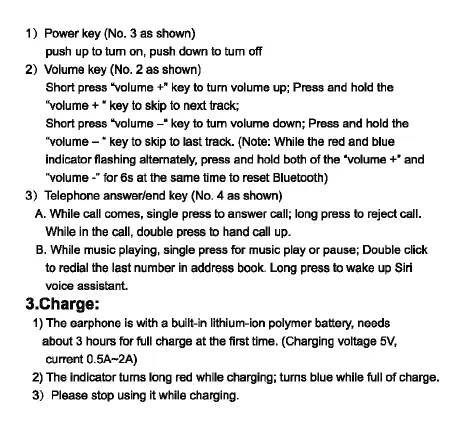
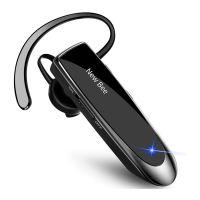
Power key (No. 3 as shown)
push up to tum on, push down to tum off
2)
Volume key (No. 2 as shown)
Short press "volume
+"
key to tum volume up; Press and hold the
''volume
+ " key to skip to next track;
Short press
"volume-"
key to tum volume down; Press and hold the
''volume - " key to skip to last track. (Note: While the red and blue
indicator flashing alternately, press and hold both
of
the "volume +" and
''volume
-"
for 6s
at
the same time to reset Bluetooth)
3)
Telephone answer/end key (No. 4 as shown)
A. While call comes, single press to answer call; long press to reject call.
While in the call, double press to hand call up.
B.
While music playing, single press for music play
or
pause; Double click
to redial the last number in address book. Long press to wake up Siri
voice
assistant.
3.Charge:
1) The earphone is with a built-in lithium-ion polymer battery, needs
about 3 hours for full charge
at
the first lime. (Charging voltage
5V,
current
0.5A-2A)
2) The indicator turns long red while charging; turns blue while full
of
charge.
3)
Please stop using it while charging.



 To Next Page