2)
If
the earphone tum on fails, please try charging it first and then try to tum
on again.
3)
If
the battery runs out
or
the earphone out
of
use for a long time. That
might be no indicator for some minutes while charging, but indicator will
tum red after few minutes.
4) No sound in earphone.
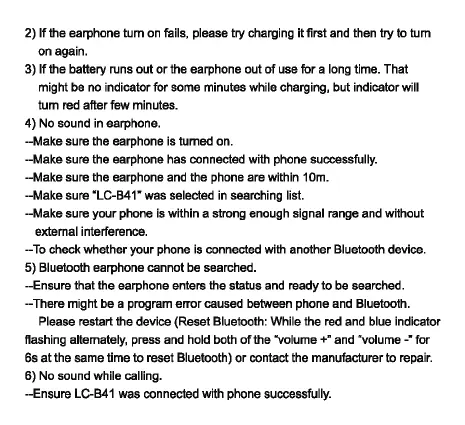
--Make sure the earphone is turned on.
--Make sure the earphone has connected with phone successfully.
--Make sure the earphone and the phone are within 10m.
--Make sure "LC-B41" was selected in searching list.
--Make sure your phone is within a strong enough signal range and without
external interference.
--To check whether your phone is connected with another Bluetooth device.
5) Bluetooth earphone cannot be searched.
--Ensure that the earphone enters the status and ready to be searched.
--There might be a program error caused between phone and Bluetooth.
Please restart the device (Reset Bluetooth: While the red and blue indicator
flashing alternately, press and hold both
of the "volume
+"
and "volume -• for
6s
at
the same time
to
reset Bluetooth)
or
contact the manufacturer
to
repair.
6) No sound while calling.
--Ensure LC-B41 was connected with phone successfully.


 To Next Page