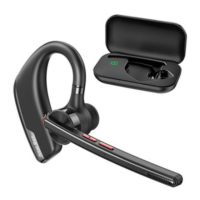
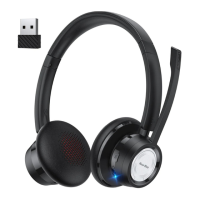
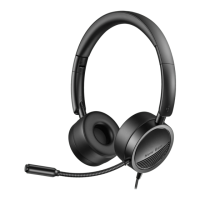
3) Microphone mute key (depend on conditions) ③
- Calling status: short press to mute the microphone, press again to
deactivate the muted condition.
- Non-calling status: long press for 3s to activate SIRI or audio
assistance system.
*HEADSET RESTART
When turn on the headset, the indicator will keep flashing red and blue,
which means it is under paring mode, and then long press the MUTE key
(③ as shown in the picture) for 6s until you hear a beep sound.
4) ON/OFF switch key ④
- Press 3s to turn on the headset; long press 4s to turn off when under
power on status. (Note: After the headset is turned on, automatically
enters pairing mode after 7s.)
- Incoming calls status: short press to receive calls; long press for 1s to
reject calls.
- Calling status: short press to hang up calls.
- Non-calling status: short press to play or stop playing music; double
click the key to redial the last call you made;
2. Bluetooth LED Indicator ⑦
- Power on: the light flashes blue once;
- Pairing status: after the headset is turned on, it will automatically enter
pairing mode in 7s and keep flashing red and blue alternatively;
- Power off: the light flashes red once;
- The lights will be off when the headset is on working status.
3. Low battery announcement
A low battery announcement will remind every three minutes when the
headset should be charged; and the headset will automatically power off
itself after second time announcement.
III.CHARGING INDICATOR ⑤; TYPE-C



 To Next Page