EasyManua.ls Logo

NewAir ABR-1770 - User Manual

NewAir ABR-1770
11 pages
Print Icon
To Next Page IconTo Next Page
Loading...
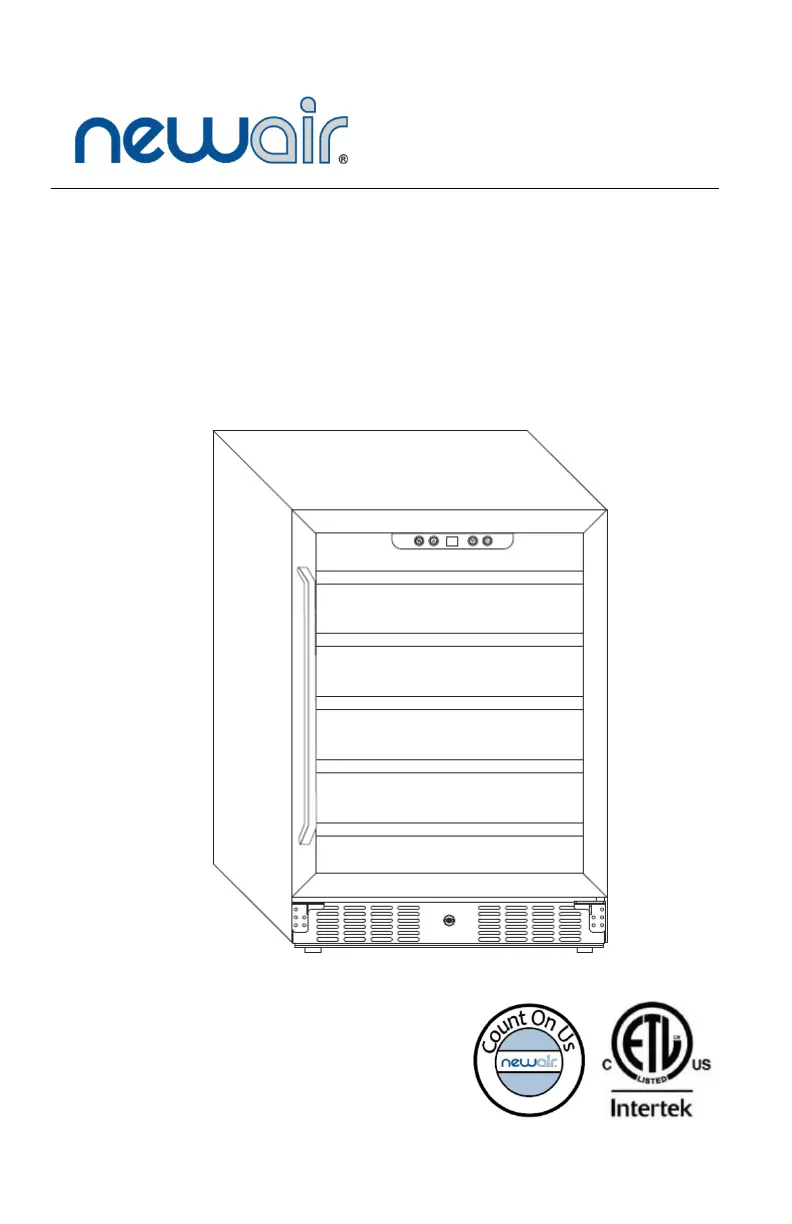
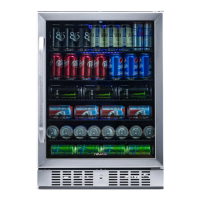
ABR-1770
177 Can
Beverage
Cooler
OWNERS MANUAL
Read and save these instructions.

Questions and Answers

  • J
    jessicathompsonAug 5, 2025
    Why is my NewAir Accessories cooler not cold enough?
    • J
      Jessica WhiteheadAug 5, 2025
      If your NewAir Accessories cooler is not cold enough, first, try lowering the temperature setting. Ensure the door is closed completely and not opened too frequently. Check that the front grille isn't obstructed. If the door seal is faulty, consider replacing it; replacements can be obtained from the manufacturer.
  • C
    Carolyn BakerAug 11, 2025
    What to do if my NewAir ABR-1770 cooler does not operate?
    • M
      Michelle AvilaAug 11, 2025
      If your NewAir Accessories cooler does not operate, it might be due to incorrect voltage. Verify that the unit is plugged into the correct voltage outlet. Another possibility is a tripped circuit breaker or a blown fuse. Try resetting the circuit breaker or checking the fuse.
  • B
    Billy KiddAug 17, 2025
    How to fix a NewAir Accessories cooler door that won't close?
    • K
      Kimberly SchmidtAug 17, 2025
      If the door of your NewAir Accessories cooler won't close properly, ensure the unit is leveled. Check the door hinges to confirm they are properly installed. Also, inspect the door seal; if it's weak, consider replacing it. Finally, ensure the shelves are correctly positioned, sliding all the way into the unit.
  • P
    Patrick BauerAug 23, 2025
    Why is my NewAir ABR-1770 cooler vibrating?
    • K
      kfrazierAug 23, 2025
      If your NewAir Accessories cooler vibrates while operating, make sure the unit is on a level floor and that the unit’s feet are correctly installed and tightened securely.
  • A
    Amber IrwinAug 30, 2025
    Why is my NewAir Accessories cooler so noisy?
    • R
      Robin GarciaAug 30, 2025
      If your NewAir Accessories cooler is producing a lot of noise, the unit might not be leveled properly. You can also check the fan to ensure it is free from debris or obstructions. If the noise persists, contact the manufacturer.

Summary

READ AND SAVE THESE INSTRUCTIONS.

SAFETY INFORMATION & WARNINGS

Shock Hazard - Electrical Grounding Required

Details safety precautions for electrical grounding, emphasizing potential hazards and proper connection methods.

Important Precautions

Lists critical safety measures for appliance operation, maintenance, and user protection, including airflow and handling.

PARTS LIST

INSTALLATION

OPERATING INSTRUCTIONS

HOW TO USE THE BUTTONS ON THE DISPLAY PANEL

Explains temperature adjustment using UP/DOWN buttons and interior light control via the 'Light' button on the panel.

ADDITIONAL NOTES

Provides important usage guidelines, safety precautions, and maintenance advice for the appliance's safe and proper operation.

CLEANING & MAINTENANCE

CLEANING YOUR COOLER

Step-by-step instructions for cleaning the interior with a baking soda solution and the exterior with mild detergent and water.

MOVING YOUR COOLER

Provides guidance on safely moving the appliance, including securing contents, adjusting feet, and taping the door shut.

TROUBLESHOOTING

LIMITED MANUFACTURERS WARRANTY

Warranty Terms

Details the manufacturer's commitment to repair or replace defective parts within the first year of original purchase.

Warranty Exclusions

Lists conditions and circumstances, such as misuse or transit damage, that will void the manufacturer's limited warranty.

NewAir ABR-1770 Specifications

General IconGeneral
BrandNewAir
ModelABR-1770
CategoryAccessories
LanguageEnglish

Related product manuals