Newbeem Smart Outlet User Manual v2.0
Customer service: support@newbeem.com
4.
Basic Operation
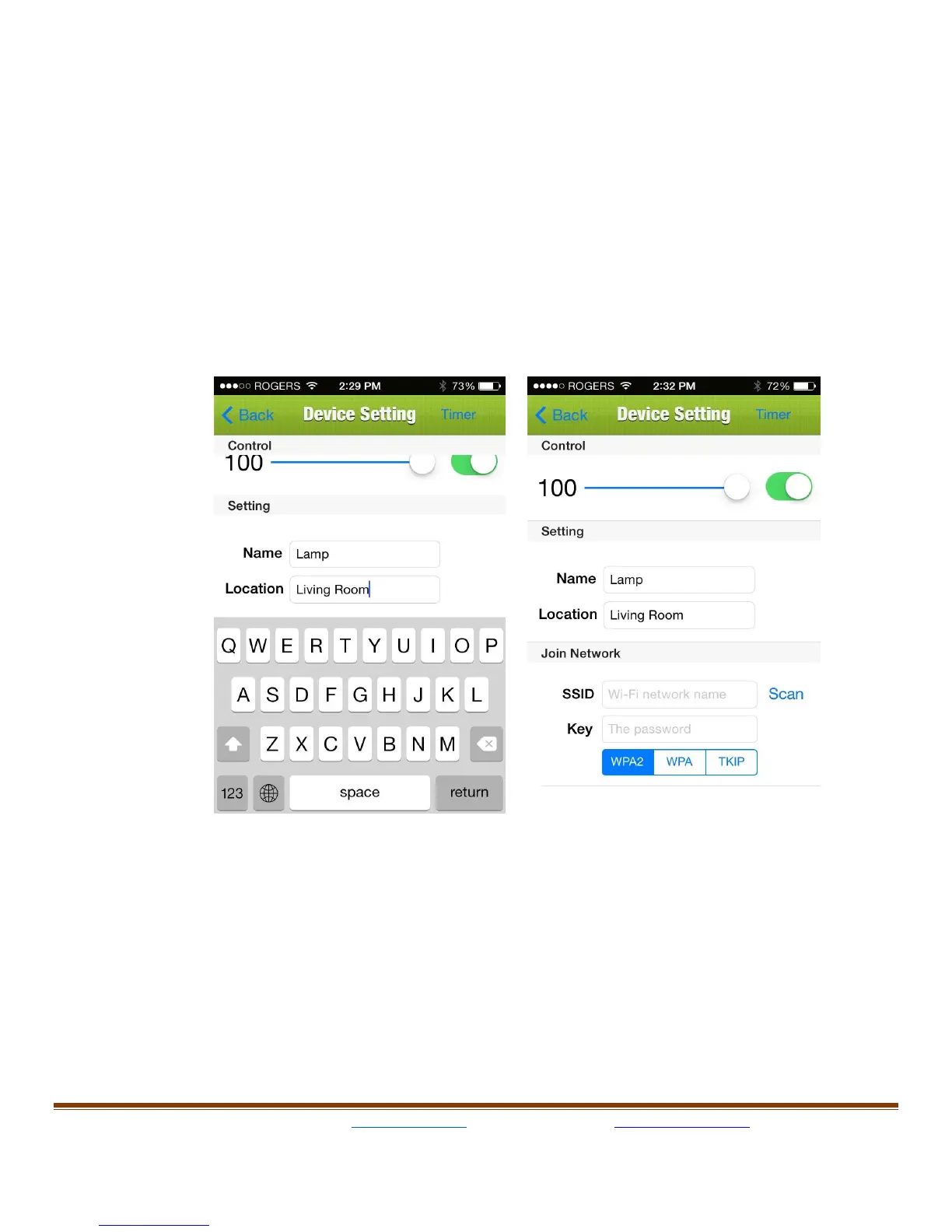
Tap the device name, the “Device Setting” page will open up. Type in
the Name and Location then set the timer option. The app may
require updating if there is an update. On the top of this page, the user
can turn on/off lamp by sliding the button on the right side and can
adjust the brightness of the light by sliding the brightness bar.



 To Next Page