Newbeem Smart Outlet User Manual v2.0
Customer service: support@newbeem.com
5.
Set timer (Optional)
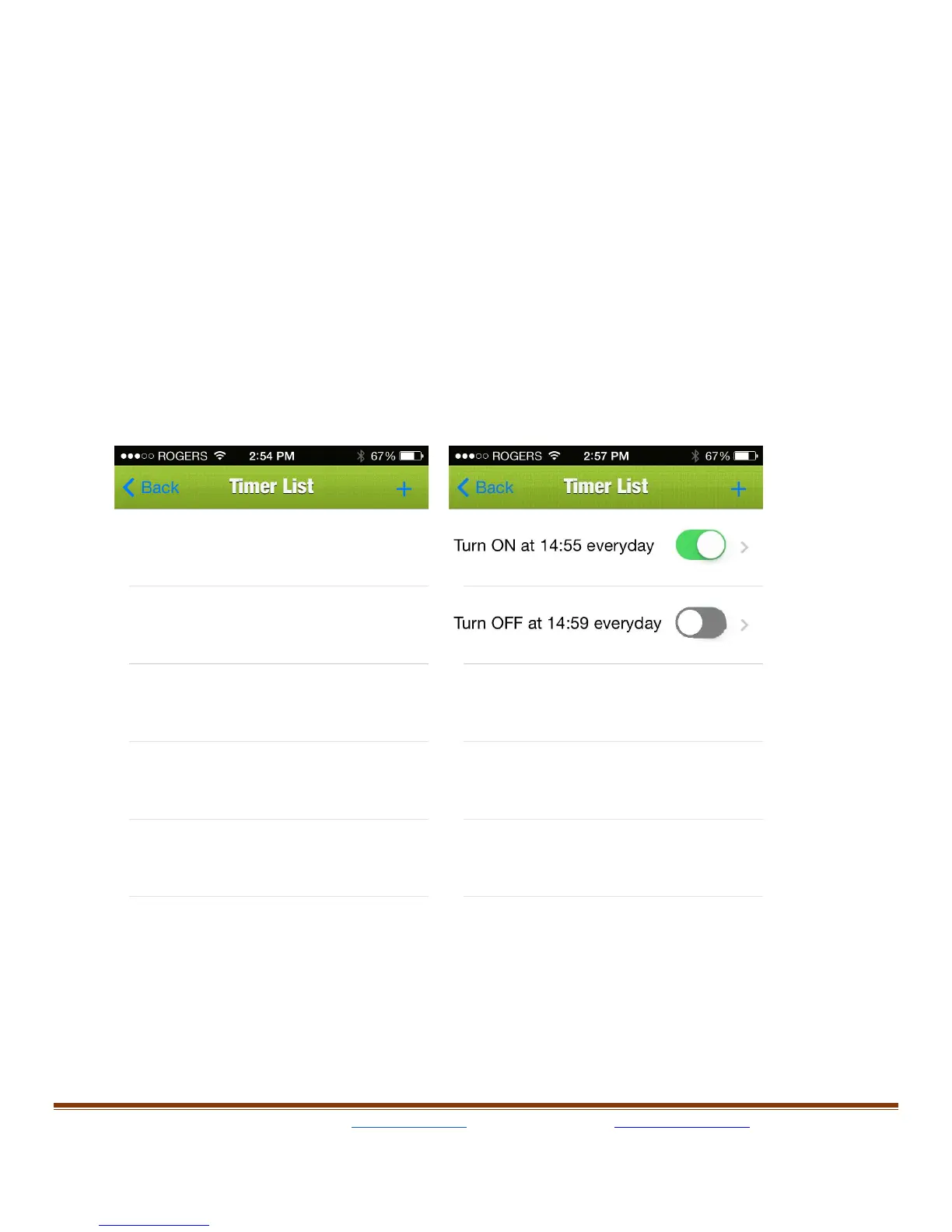
On device setting page, press “Timer” on right top of the screen (a
stopwatch icon) next to the device setting, it will show the “Timer List”
page; from there the user can add a timer by pressing “+” next to
Timer List. Once “+” is pressed, it will show another page called
“Timer”, to set the timer, just change "When" section to choose a time,
set "Turn" section to ON or OFF and brightness at that time and then
choose "Repeat" section to select the desired frequency.



 To Next Page