EasyManua.ls Logo

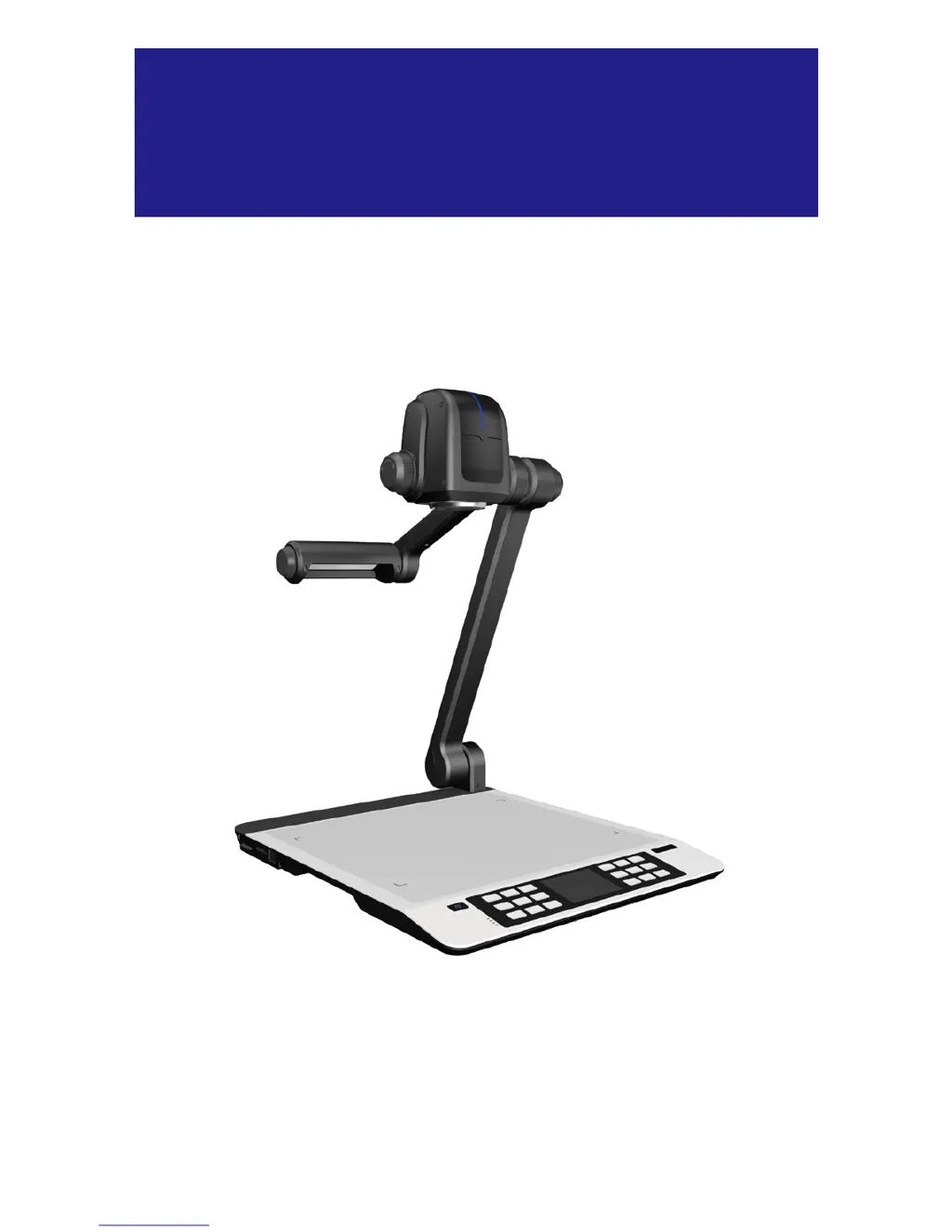
NewLine TC-51D - User Manual

NewLine TC-51D
28 pages
Print Icon
To Next Page IconTo Next Page
Loading...
Manual
FULL HD VISUALIZER
Model: TC-51D

Questions and Answers

  • A
    Abigail BrownAug 10, 2025
    Why is there no image output after connecting my NewLine TC-51D Document Camera?
    • E
      Erica PerezAug 10, 2025
      If there's no image output after connecting your NewLine Document Camera, several factors could be responsible. Ensure the device is correctly connected to the external equipment and that the correct external equipment is selected. Also, verify that the resolution of the external equipment is set correctly and the device is switched to the correct source of signals. If using a computer, check if the computer transfer key (VGA) or HDMI is activated; if so, press the source of signal (CAM).
  • D
    Diane LeonardAug 15, 2025
    How to fix a NewLine TC-51D that does not turn on?
    • C
      Charles GreenAug 15, 2025
      If your NewLine Document Camera doesn't turn on, the power adapter might not be correctly connected. Make sure the power adapter is properly connected to both the device and the power socket.
  • K
    kyle50Aug 20, 2025
    What to do if the NewLine Document Camera remote control is not responding?
    • D
      Dawn BerryAug 20, 2025
      If the remote control for your NewLine Document Camera isn't responding, the batteries might be depleted; replace them with two new AAA batteries. Ensure there are no obstructions blocking the communication signals between the remote and the device. Also, make sure you are not too far from the device; shorten the distance if necessary.
  • J
    judith15Aug 26, 2025
    Why can't my NewLine TC-51D Document Camera capture images or record videos?
    • J
      Jason BishopAug 26, 2025
      If your NewLine Document Camera is unable to capture images or record videos, the SD card might be protected. Reset the SD card to be writable.
  • J
    jennifer68Aug 30, 2025
    How to unlock image movement on NewLine Document Camera?
    • J
      Jon HillAug 30, 2025
      If the image cannot be moved around on your NewLine Document Camera, the Freeze function may be activated. Press the Freeze function key on the control panel or the remote control again to deactivate the function.
  • J
    Jessica HowardSep 4, 2025
    Why is there no audio output when switching to HDMI IN1 signal on my NewLine Document Camera?
    • T
      Tyler Scott PhDSep 4, 2025
      If there's no audio output when switching to the HDMI IN1 signal, it could be due to multiple audio equipment connections or using an older Windows OS. Set the PC graphics card to be the audio output equipment. Alternatively, switch the playing file to the next one.

NewLine TC-51D Specifications

General IconGeneral
BrandNewLine
ModelTC-51D
CategoryDocument Camera
LanguageEnglish