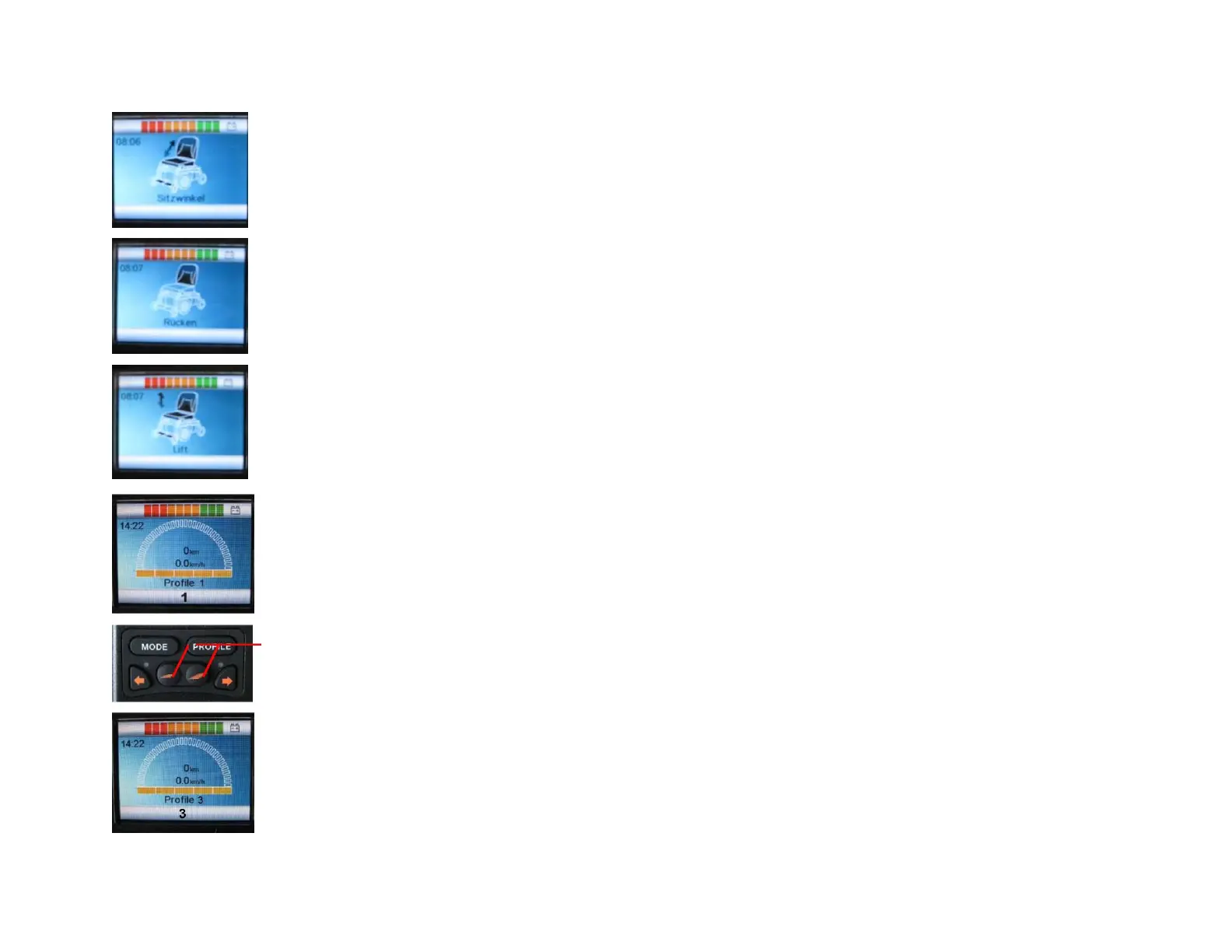
Mode Key
Press the MODE key, for control menu of all electrical functions.
The first function that is displayed is the adjustment of the seat height (LIFT).
A brief movement of the joystick to the left or right, will open a scroll down menu of different functions of the electric
wheelchair
Push jotstick foward or backward to select the desired setting.
Press the MODE key to exit the menu and return in driving mode.
PROFILE key
With PROFILE key, you will select one of the 3 opersting profiles. The profiles can be individualized by the dealer
with an appropriate software (PG-Drivers).
By pressing these keys you have the option in each of the profiles to adjust the speed. Slower with the left key and
faster with the right key.



 To Next Page