Electrical Function and security
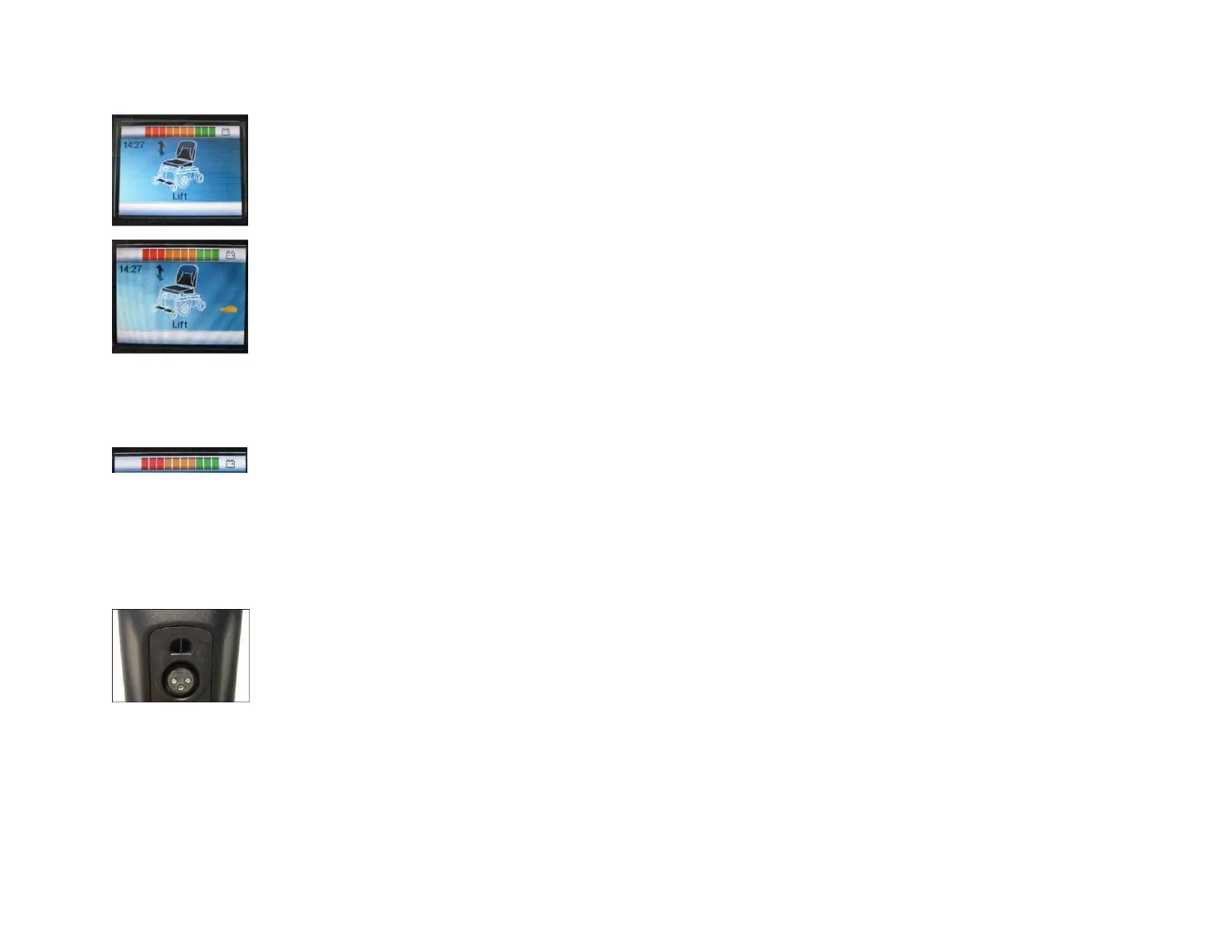
When you use the raised seat or recline seat functions and have adjusted or extended them beyond the point of safe
travel, the contrller will automatically put the chair into a safety mode showing an orange turtle. This will allow the chair to
move at a reduced speed.
If the adjustment made by the user goes beyond what is recognized as dangourous, the controller will flash a red turtle and
will not move at all untill the positioning of the chair is returned to a safe operational range.
To regain normal use of the chair the operator must lower the height of the seat or reduce the angle of the seat cushion or
backrest.
Charge indicator for the batteries
The load indicator informs the user of the charge of the batteries. Make sure that the charging indicator does not fall under the last 3 red bars, in
order to ensure that the wheelchair does not stop unexpectedly.
Recharge the batteries
The connection of the charger is located on the bottom side of the control box. More information on loading and the
batteries under section 14 and 15.



 To Next Page