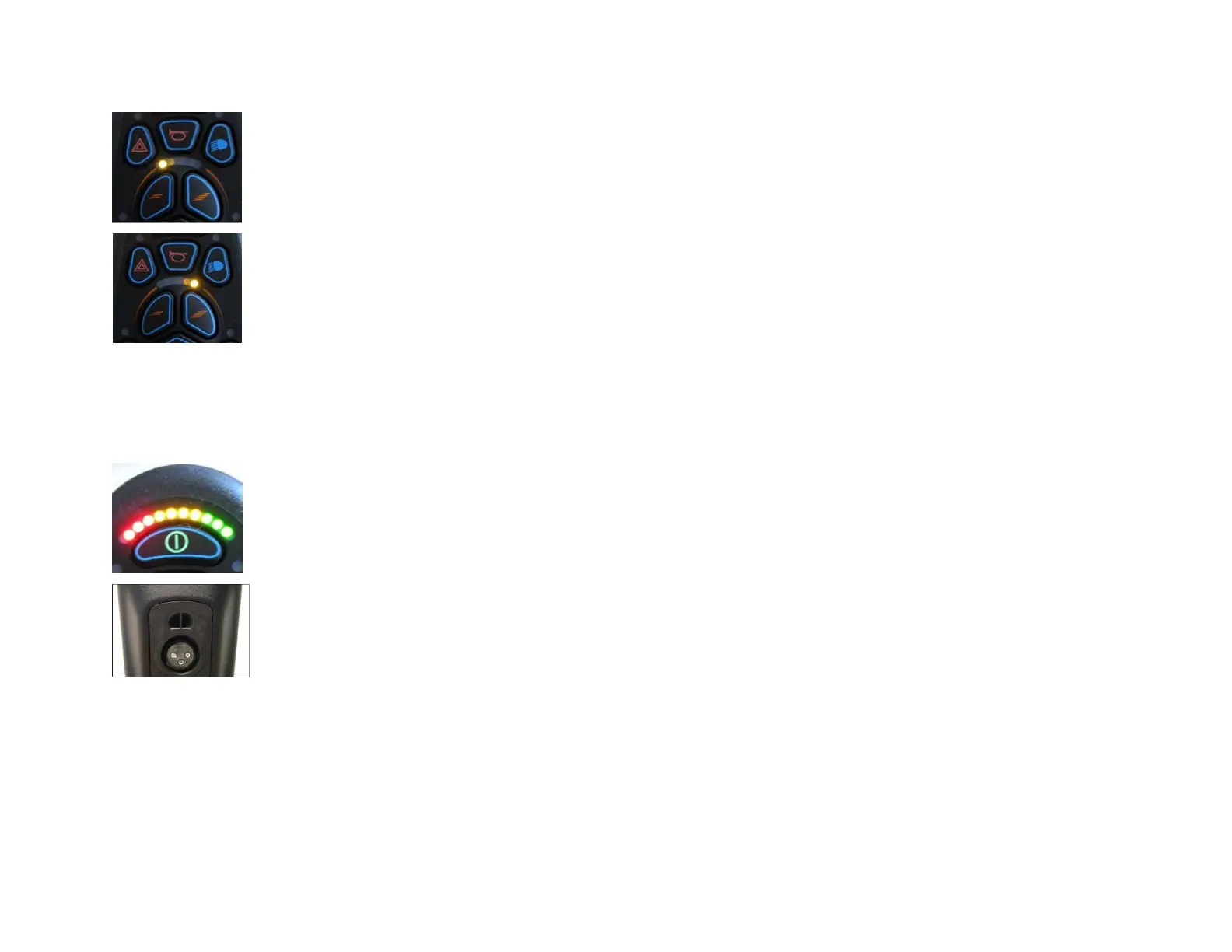
Speed keys
The command has 5 profiles of preset speeds.
Press the speed button left to lower the speed and the right one to increase the speed.
If necessary, each profile can be set individually by your dealer with an appropriate software (VR2 Drivers).
Charge indicator for the batteries
The load indicator informs the user on the charge of the battery. It is recommended to make sure that the charging
indicator does not fall under the last 3 red bars, in order to ensure that the wheelchair does not stop unexpectedly.
Reload the batteries
The connection of the charger is located on the bottom side of the control box. More information on loading and the
batteries under section 14 and 15.



 To Next Page