Need help?
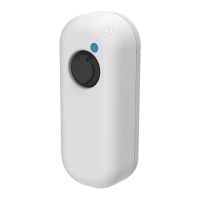
Do you have a question about the newmotion Dynamic Power Management Home – Module and is the answer not in the manual?
Lists the P1 current sense module, external power adapter, and current transformers required for operation.
Step-by-step instructions for safely installing the Dynamic Power Management Home module and its components.
Indicates the device is powered on and the external power adapter is correctly connected.
Displays the actual current measured by the module, indicating current flow status.
Shows the communication status between the module and the NewMotion charge point.
 General
| Brand | newmotion |
|---|---|
| Model | Dynamic Power Management Home – Module |
| Category | Automobile Accessories |
| Language | English |


 To Next Page